Quick summary
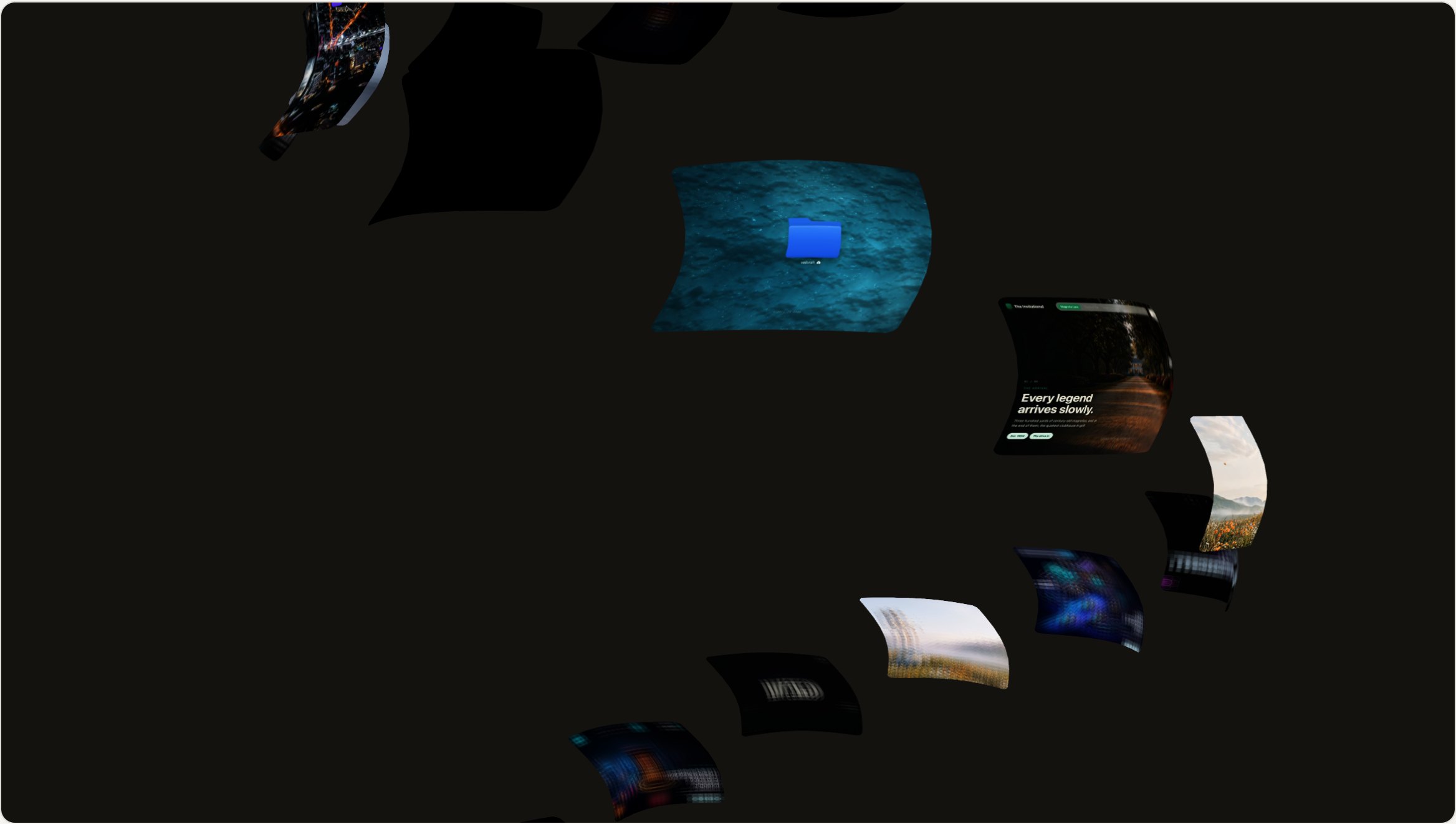
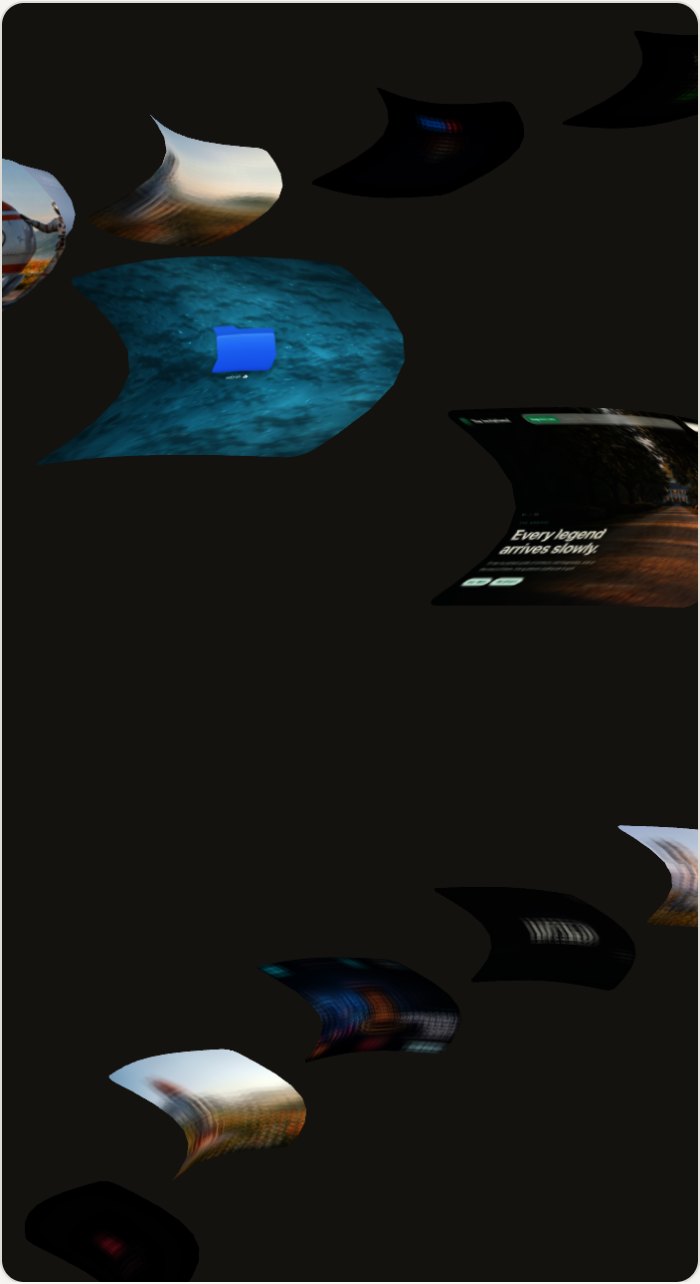
A self-contained WebGL component that arranges images and video as planes coiled around a vertical cylinder. Three motion sources add together: a gentle idle drift, scroll scrub, and pointer drag. A custom shader gives every plane rounded corners, a cover-fit crop, and a blurred back face.
It was generalized out of a production build, so there are no hardcoded IDs or media paths left in it. Integration is three steps: copy three files in, give a container a real height, and call it with your media array. Three.js is bundled, so there’s nothing to install.
Who this skill is for
This is for anyone with a body of visual work and nowhere interesting to put it.
- Photographers, designers, and studios who want a gallery that is itself a piece of craft
- Developers who need a WebGL component that drops into an existing stack without a rewrite
- Anyone building a portfolio where a grid would undersell the work
What problem this skill solves
A media gallery is the most-built and least-loved component on the web, and the interesting versions are almost never reusable.
- A standard grid says nothing about the work. Every portfolio that uses one looks like every other one
- The impressive WebGL galleries are usually welded to the site they were built for, with hardcoded IDs and media paths
- Rolling your own means shader work, pointer-versus-scroll arbitration, and mobile video handling, none of which is the thing you set out to build
What you get with this skill
The download is a finished component with its dependency bundled, plus a demo that proves it works before you wire anything in.
- The engine as a single ES module, generalized from a real production build with no hardcoded media
- Three.js bundled alongside it, so there’s nothing to install and no version to reconcile
- A complete working demo that renders with zero external assets. Open it and the component is running
- A customization reference covering every option, framework integration, and the rendering problems people hit
Steps overview
| Step | What happens |
|---|---|
| Copy the engine in | Three files, kept together |
| Add a container with real height | The one integration gotcha, handled up front |
| Initialize with your media | One call, one array |
| Open the bundled demo first | Confirm it works before wiring your own media in |
| Tune the coil | Shape, speed, and colour, from a documented option table |
| Add scroll-scrub if you want it | Optional, and feature-detected |
Design and branding system
The component is opinionated where it needs to be and configurable everywhere else, so it can carry a brand without being rebuilt.
- A custom shader gives each plane rounded corners, a cover-fit crop, and a blurred back face, so the coil reads as objects instead of flat cards
- An optional colour wash, with a cool grey-blue default and a single setting to return to true colour
- Three motion sources that add together rather than fight: idle drift, scroll scrub, and pointer drag
- Hover darkens and zooms a tile, and a deliberate click is told apart from the end of a drag. That detail is what makes it feel finished
Output and performance budget
It’s one WebGL canvas with a bundled dependency and a deliberate mobile strategy.
- Three.js is bundled rather than installed, so there’s no build step and no dependency to keep in sync
- Video tiles take an optional poster, and on touch devices the poster is shown so the video is never downloaded until the visitor opens it
- One canvas per container. Several spirals on one page each get their own initialization
- There’s no framework requirement. The same module works in plain HTML, React, Next, or Vue
How this skill pays off
A gallery that people play with is a gallery people remember.
- Scroll and drag both spin it, so the visitor is handling the work rather than scrolling past it
- Each tile can link anywhere, which turns the gallery into navigation instead of a dead end
- It’s a component, so it upgrades a portfolio you already have instead of replacing it
Other information about this skill
Worth knowing before you download it.
- The container must have a non-zero height. This is the most common integration failure, and it looks exactly like a broken component
- WebGL needs a real GPU context. Some headless browsers and screenshot tools can’t create one, so they log a context error. The fault is in the environment, and the component is fine
- Portrait media suits the default plane aspect; landscape media wants the aspect set explicitly
- GSAP is optional. Everything except scroll-scrub and the reveal works without it
Output examples
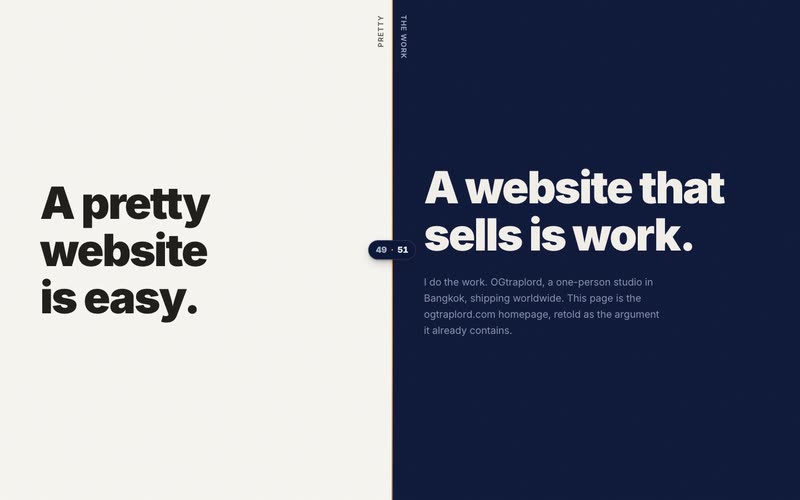
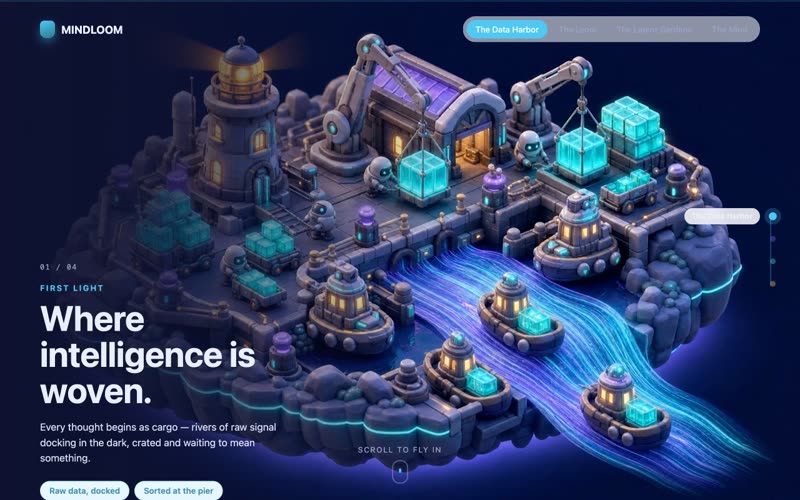
The component as it runs on this site, captured live at both sizes.