Quick summary
The viral scroll-film effect is a canvas image-sequence scrub: a clip is exported to numbered frames, preloaded, and the frame drawn to the canvas is chosen by scroll position. Scrolling forward plays the film; scrolling back rewinds it. What makes it feel expensive rather than mechanical is where it slows down.
This skill takes a video you already have and produces the whole thing as one index.html, with no framework and no build step. You get frames extracted and optimized to a fixed weight budget, a scroll-dwell engine that pauses at each story beat, and a complete luxury design system of particles, film grain, and glass cards.
Who this skill is for
This is for anyone sitting on footage that deserves better than a muted autoplay box in a hero section.
- Studios and freelancers who want an Apple-style scroll film without hand-animating one
- Brands with product or process footage already shot and nothing good to do with it
- Developers who want the scroll-scrub technique as readable code they can take apart
What problem this skill solves
Scroll-driven video sites look easy and are miserable to build by hand. Three things go wrong every time, and the skill fixes all three in the same pass.
- A raw video element can’t be scrubbed smoothly. Seeking stutters, and mobile browsers refuse to seek at all without a user gesture
- Frame sequences solve the scrubbing and immediately blow the page weight past anything acceptable on cellular
- Even when the technique works, constant-speed scrubbing feels mechanical. A real film pauses where the story pauses
What you get with this skill
The download is the whole method plus the tooling it needs, so you don’t have to reverse-engineer a demo.
- The complete build instructions: every step from reading the footage to running the quality checklist
- The frame-extraction and optimization script, so ffmpeg does the right thing without you tuning flags
- The full luxury design system: palette tokens, type scale, z-index layer stack, particles, grain, and glass cards
- A troubleshooting section for the usual failures: a blank canvas, a heavy first paint, and mobile stalls
Steps overview
| Step | What happens |
|---|---|
| Analyze the video | Read the footage before touching a single frame |
| Extract and optimize frames | Turn the film into an asset the scroll can scrub |
| Gather content | Collect the words before any layout exists |
| Build the website | Assemble one file with the whole design system inside it |
| Serve and preview | Prove it in a live browser before calling it done |
Design and branding system
The skill ships an opinionated visual system instead of a blank canvas. The whole point is that the output looks expensive without a designer in the loop.
- A dark luxury palette declared as CSS custom properties, so rebranding is a token swap rather than a search-and-replace
- A defined z-index layer stack (canvas, grain, particles, copy, and interface) that stops the usual stacking-context fights as sections get added
- Ambient effects tuned to sit under the film instead of competing with it: drifting particles, film grain, and glass-morphism cards with backdrop blur
- A scroll-dwell engine that slows near each content section and glides between them, which makes the pacing read as cinematic instead of linear
Output and performance budget
The output is a static page with no runtime dependencies, and the budget is enforced during extraction rather than measured afterwards.
- Two frame sets are generated (full quality for desktop, a lighter one for mobile), and the page picks one at load rather than downloading both
- WebP throughout, with the frame count chosen to land under 10 MB desktop and 5 MB mobile
- There’s no framework, bundler, or external runtime. You get a single HTML file, a stylesheet in the head, and the frames
- A branded loader covers the preload so the visitor never sees a half-drawn canvas
How this skill pays off
This exists because the effect converts. A scroll film holds a visitor through the whole page in a way a static hero never does, and the skill removes the reason most people never build one.
- The footage you already paid to shoot becomes the site rather than an afterthought embedded in it
- Scroll becomes the play button, so engagement is measured in the visitor’s own scrolling rather than in whether they clicked play
- The output is plain HTML you own outright. There’s no subscription or platform, and nothing to renew
Other information about this skill
A few things worth knowing before you download it.
- ffmpeg is required. The bundled script uses the system binary when there is one and otherwise fetches a static one, so there’s nothing to install by hand
- It works best with footage that already has a story: a walk-through, a process, or a reveal. Static locked-off shots give the scroll nothing to do
- Treat the design system as a starting point. Every token is a CSS custom property, and the layer stack is documented so it can be rebranded properly
- The skill is the method. It runs inside your own Claude Code session, so nothing about your footage or your copy leaves your machine on my account
Output examples
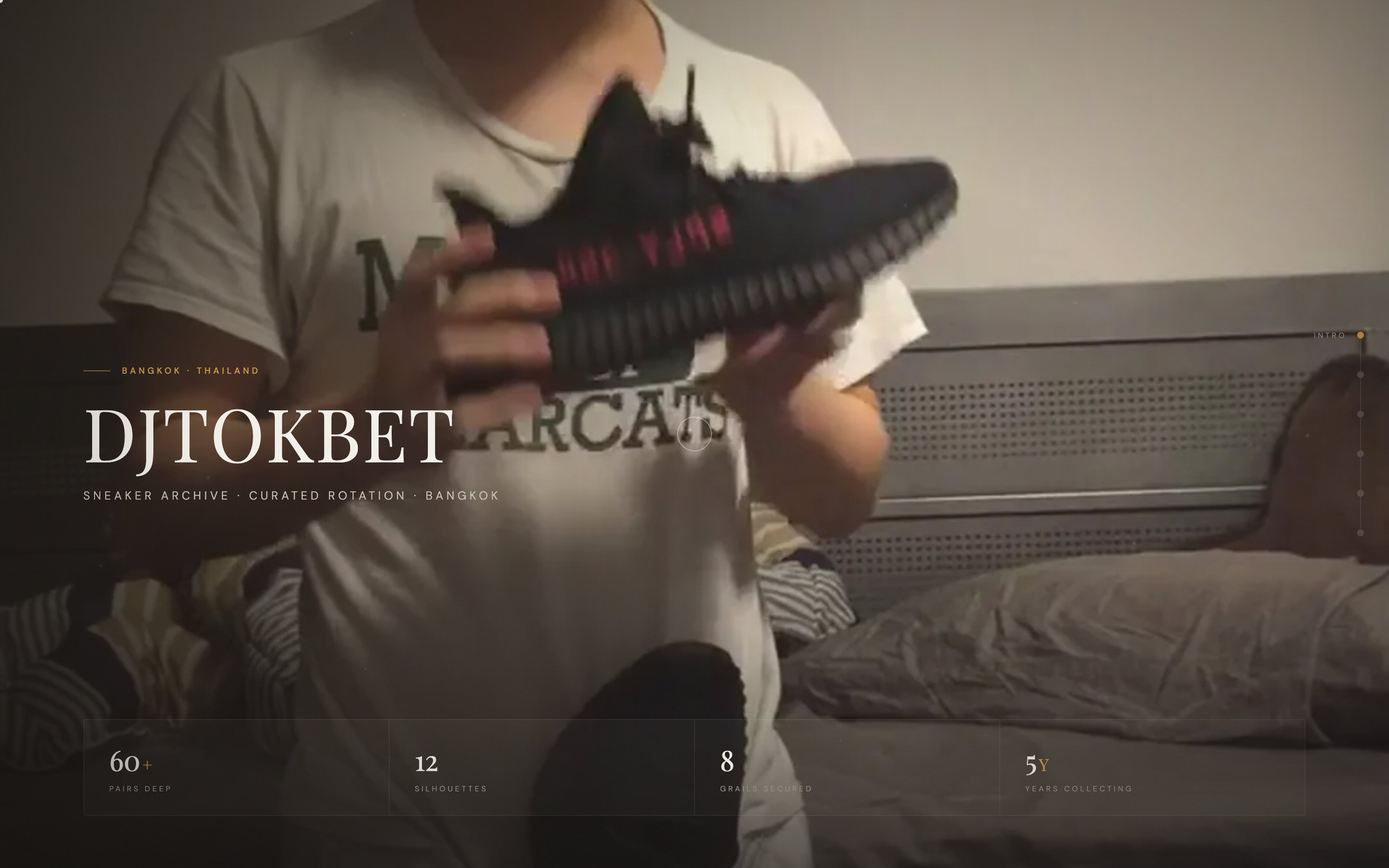
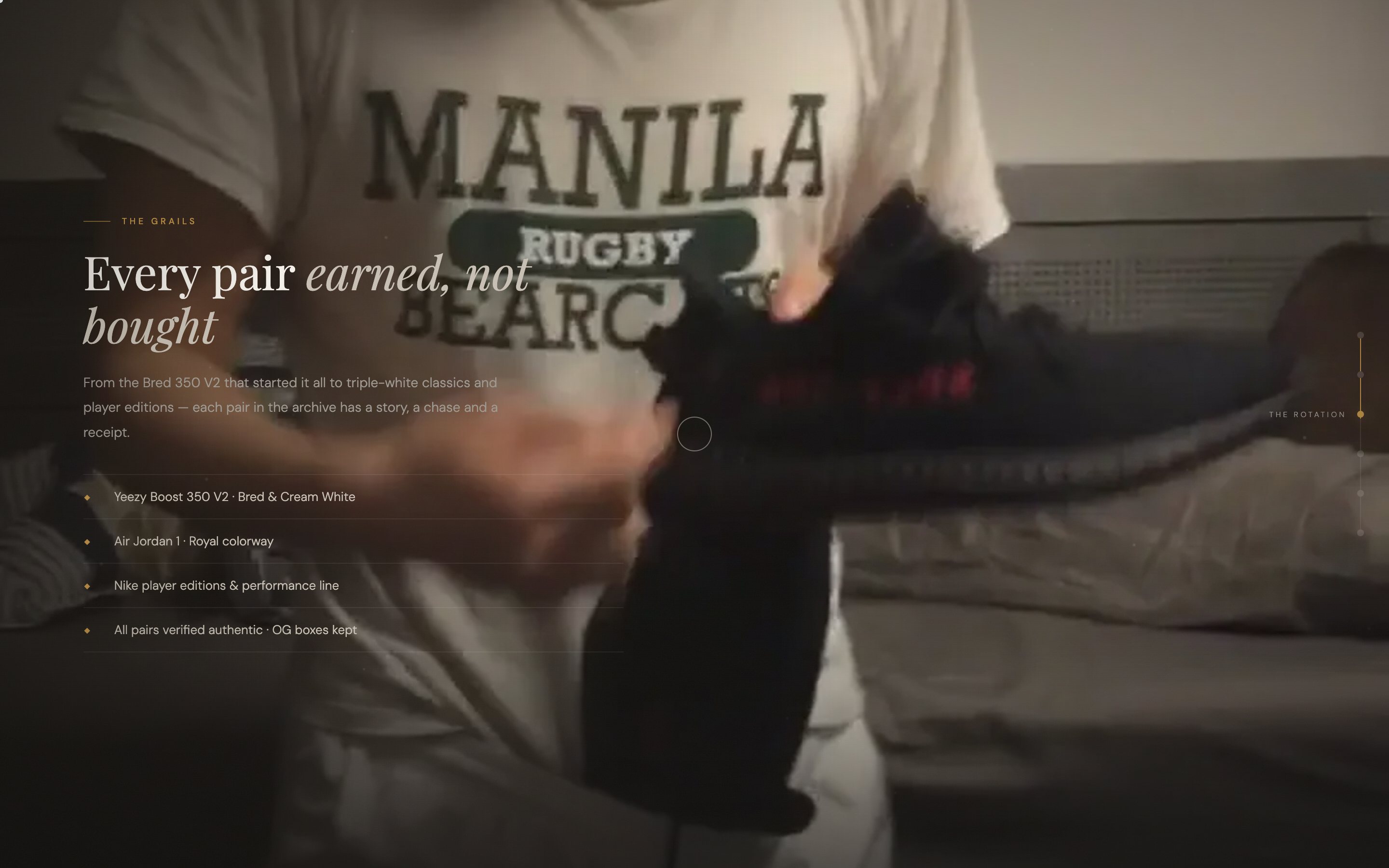
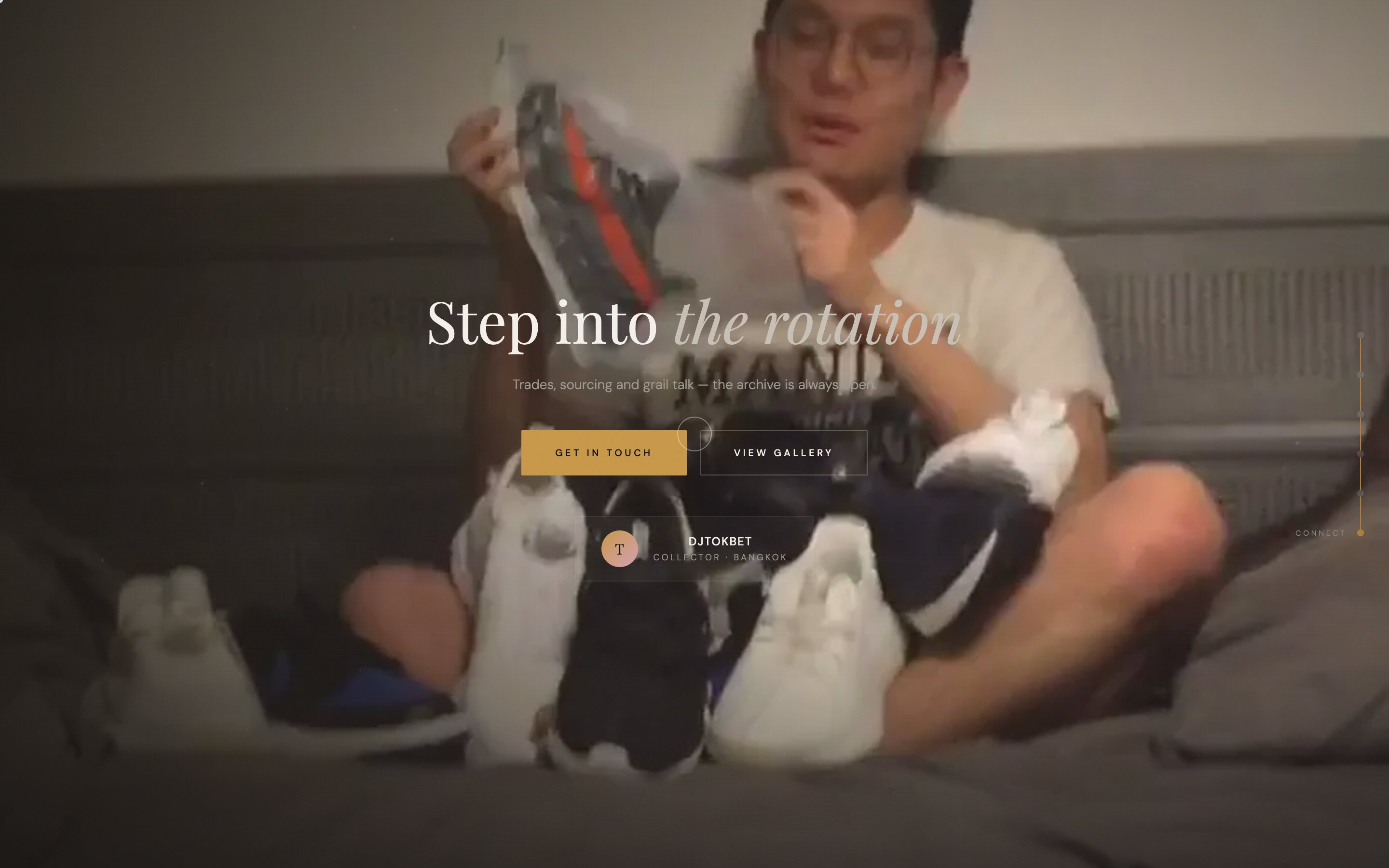
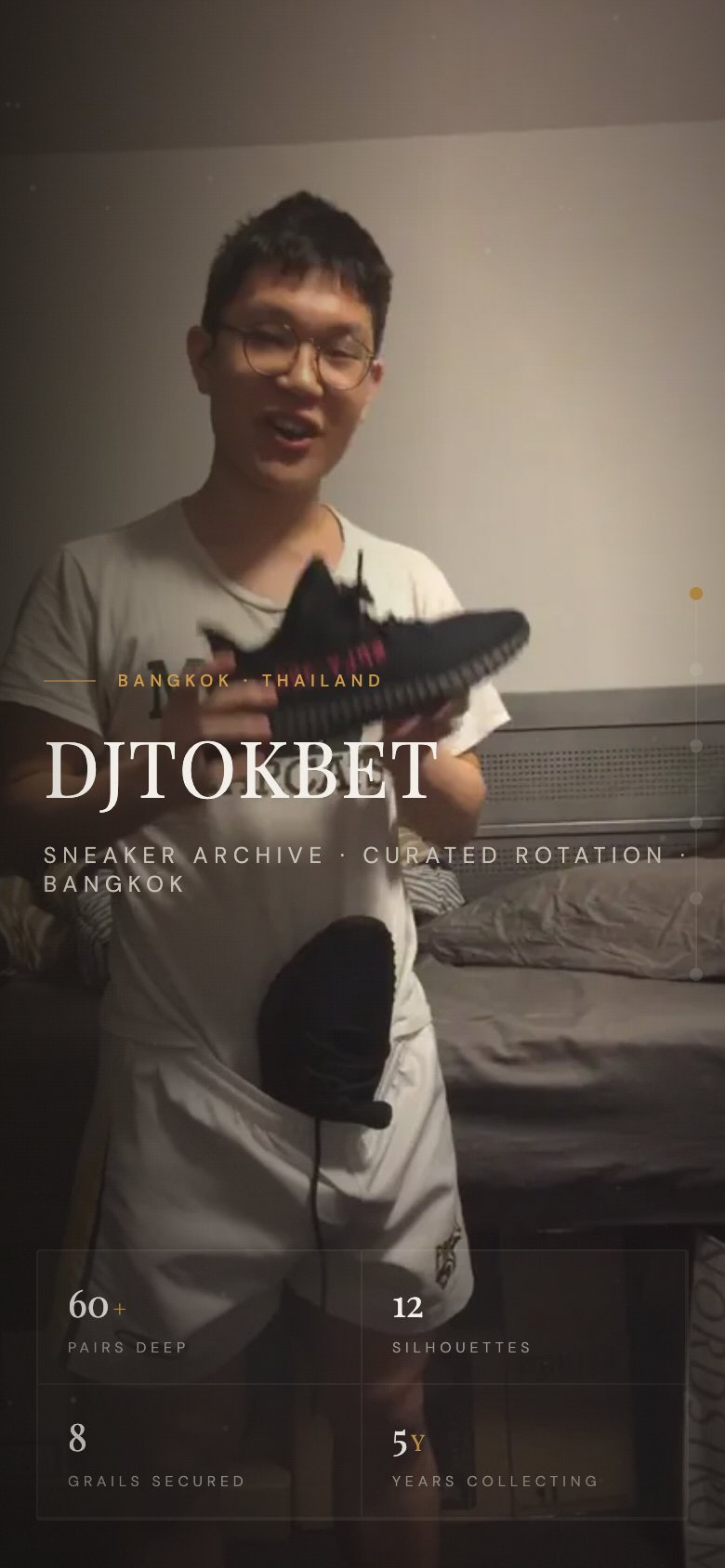
Builds from this skill, captured from the live sites.