Quick summary
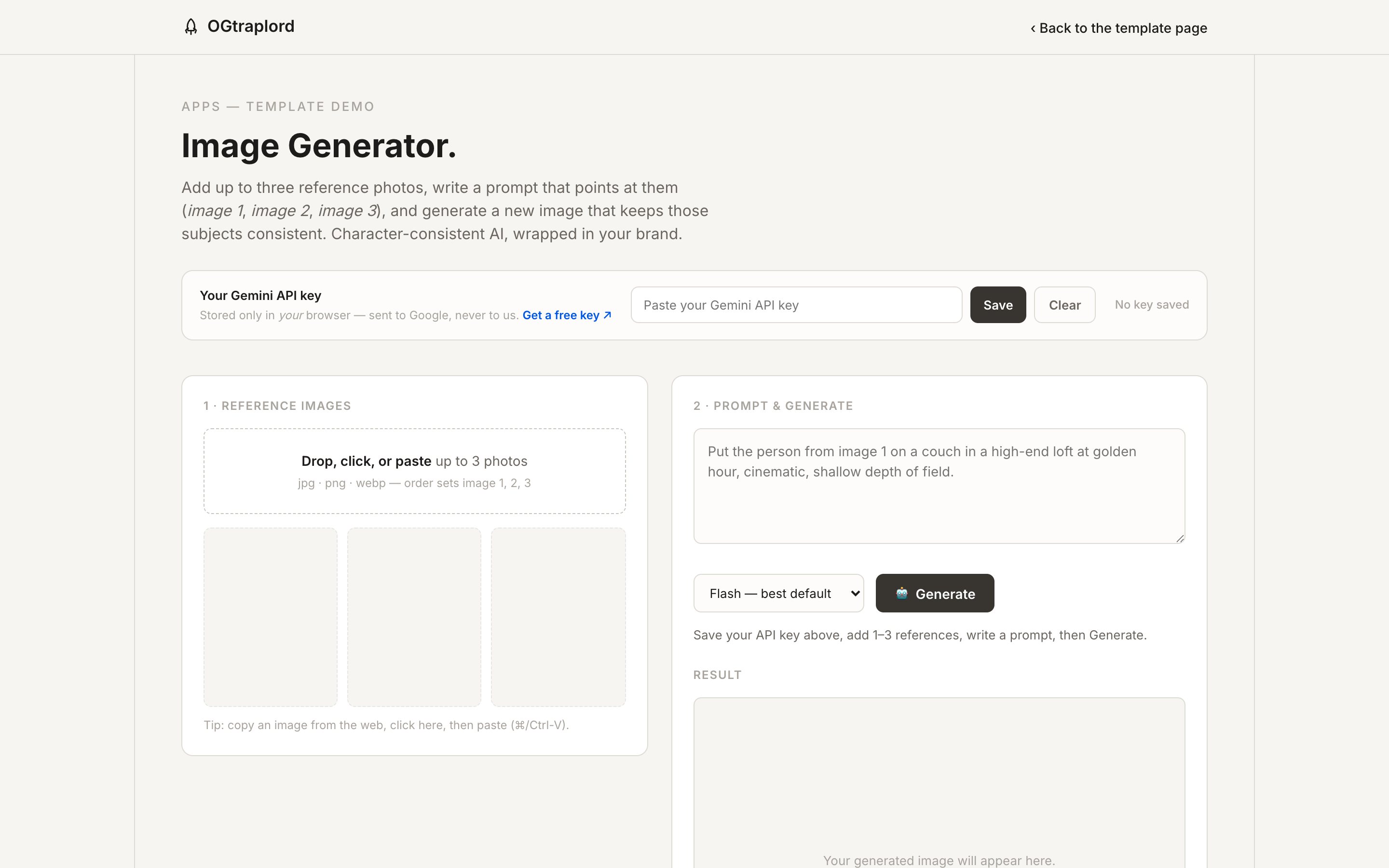
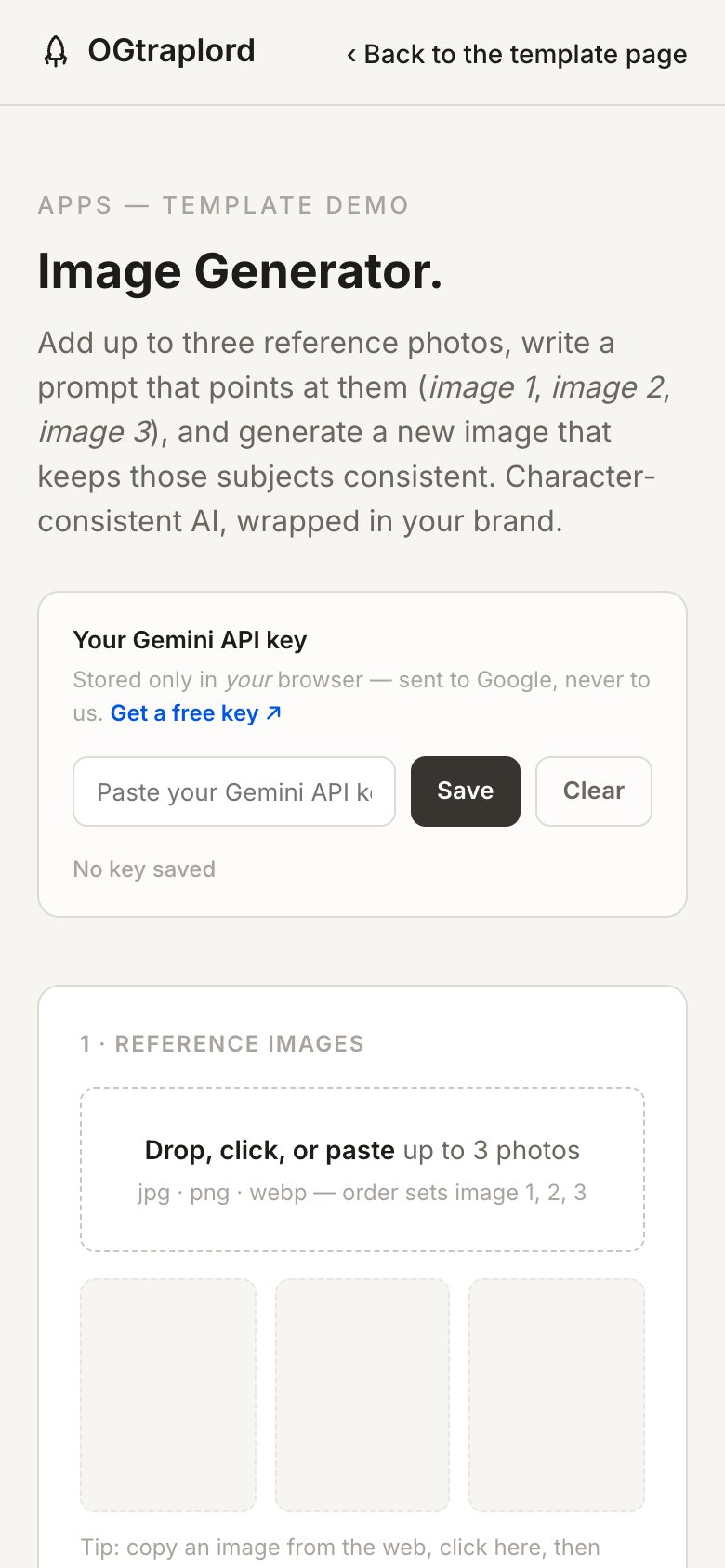
A working image studio that runs entirely in the visitor’s browser. Add up to three reference photos, write a prompt that addresses them by number, and generate a new image that keeps those subjects consistent rather than re-inventing them.
The architecture is the interesting part. It’s bring-your-own-key, so the visitor’s API key is stored in their own browser and sent directly to Google. There’s no server in the loop at all, and that’s what lets a real AI tool sit on a static page with no hosting cost, no metering, and nothing of the visitor’s for you to hold.
Who this template is for
This is the template for anyone who wants to put a working AI tool on their site without standing up a backend to run it.
- Studios and agencies offering a branded generation tool as a lead magnet rather than a paid product
- Brands who need character-consistent imagery: the same person, product, or mascot across many shots
- Developers who want a worked example of a bring-your-own-key architecture that has no server at all
What problem this template solves
Putting an AI tool on your site normally means putting your API key on your server and your credit card behind every visitor. That’s why most of these tools never ship.
- A hosted key means you pay for every generation, including the ones from people who will never buy anything
- A backend to hold that key turns a static site into infrastructure, with a host, a runtime, and an attack surface
- Generic image models lose the subject between shots, and the same character comes back as a different person
What you get with this template
The demo is the whole product. Everything it does is visible in the page you can open right now.
- A complete reference-image workflow. Drop, click, or paste up to three photos, ordered so a prompt can address them individually
- Prompt-side subject control, so “the person from image 1” means that person and not an approximation
- A model selector spanning fast, balanced, and highest-quality generation
- The full bring-your-own-key pattern: the key lives in the visitor’s browser and goes only to Google
Stage overview
| Step | What happens |
|---|---|
| Save your key | Bring your own, and keep it yours |
| Add reference images | Up to three, and the order is the addressing |
| Write a prompt that points at them | Name the reference you mean |
| Pick a model | Trade speed against quality per generation |
| Generate and download | A PNG, straight to the visitor |
Design and branding system
The studio is built on the same blueprint as the rest of the site, so a rebranded version of it doesn’t look like a bolt-on.
- The site’s own token set (paper, ink, saffron accent, and hairline borders), carried into the tool chrome
- A two-panel studio layout that reads as one task: references on the left, prompt and result on the right
- Interface states are written out instead of implied: no key saved, ready, generating, and failed
- The key bar is deliberately the most prominent element on first load, because trust is the first thing this tool has to earn
Architecture and hosting
The whole point of this template is what it doesn’t need.
- There’s no backend, database, or runtime. It’s one HTML file that deploys to any static host
- The API key lives in the visitor’s own browser storage and is sent only to Google
- Because there’s no server, there’s no per-visitor cost to you and nothing of theirs for you to hold
- Gemini image models need a billing-enabled Google project on the visitor’s side, and the tool says so instead of failing mysteriously
How this template helps you convert
A working tool is a better argument than a page describing one.
- Visitors use it instead of reading about it, which is a completely different quality of engagement
- Bring-your-own-key means you can leave it open to everyone without metering it or paying for it
- It demonstrates capability directly. The tool being good is the pitch
Other information about this template
Worth knowing before you build on this.
- The visitor needs their own Gemini key, and image models require a billing-enabled Google project. The tool says so up front rather than failing silently
- Keys are stored in browser storage, which means they persist on that device and can be cleared from the same bar
- Nothing generated here is uploaded anywhere. There’s no server, so there’s no gallery, no history, and no retention
- This is a template, not a product. It gets rebuilt around your brand, your models, and your copy
Screenshots
The studio as it renders, captured from the live page.