Quick summary
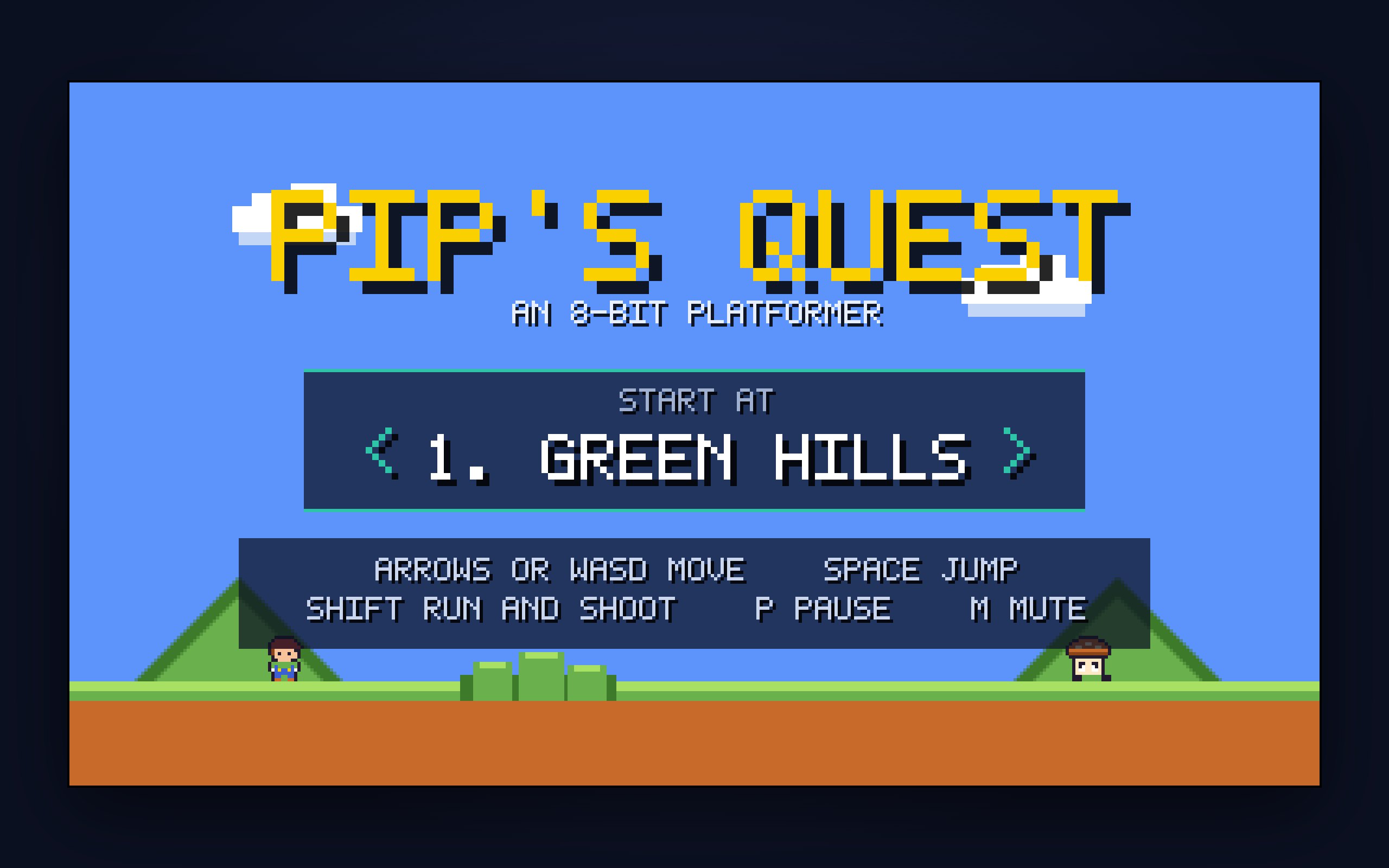
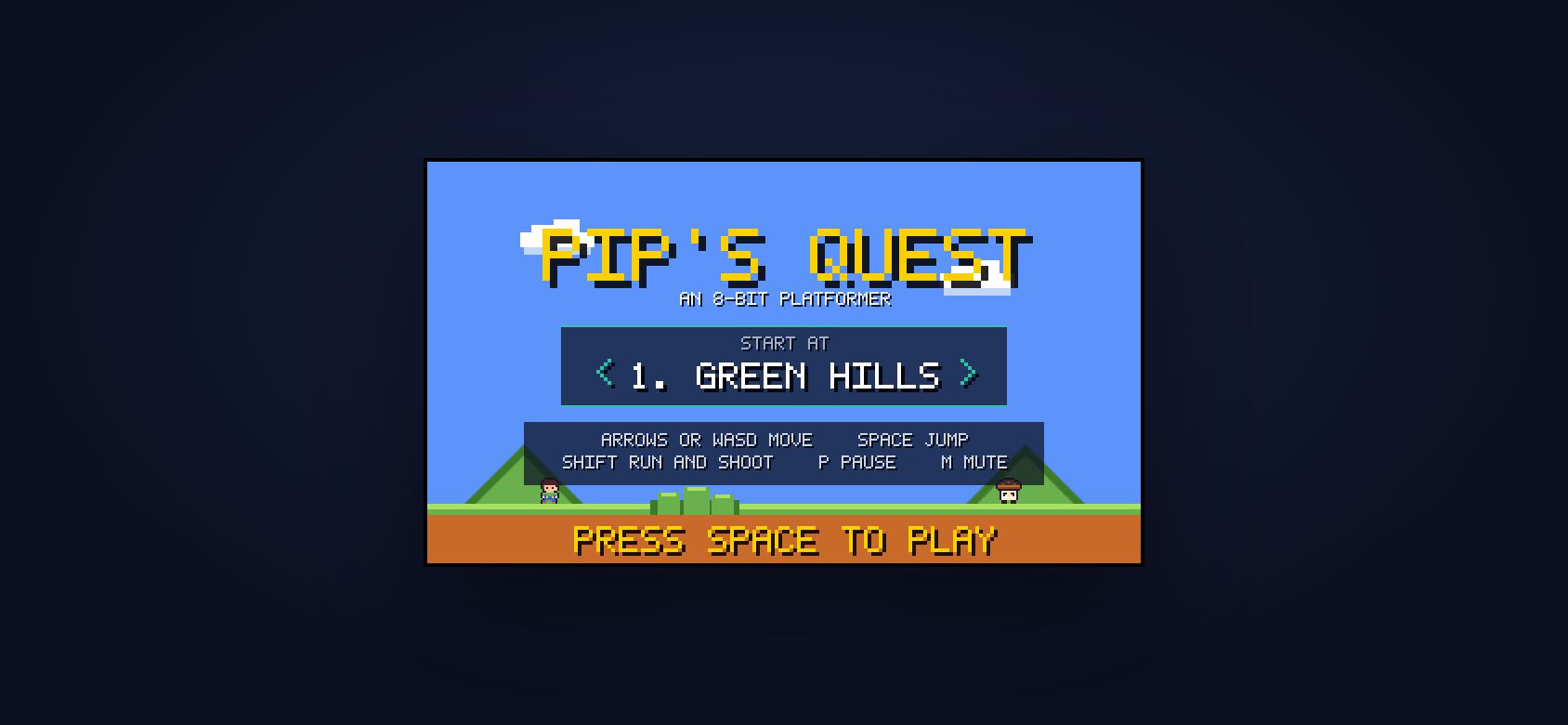
PIP’S QUEST is a side-scrolling platformer with the movement model people already have in their fingers: momentum running, a hard skid when you turn against yourself, and a jump whose height follows how long you hold the button. Six hand-authored levels lead into a three-phase boss fight, and a title-screen level select means any level can be opened directly.
Who this template is for
This build is for anyone who wants a finished game instead of a demo loop, and for studios that want to show they can ship one.
- Studios and developers who need proof that a real game can ship without an engine, an asset pipeline, or a build step
- Brands looking for a playable campaign piece that loads instantly and works on any machine in the room
- Builders learning game feel (momentum, coyote time, and jump buffering) from a codebase small enough to read all the way through
What problem this template solves
Most “browser games” on offer are either heavy engine exports or toy demos that fall apart the moment you look under the hood. This build is neither.
- Engine exports ship megabytes of runtime before the first frame ever draws
- Toy demos skip the hard parts: real collision, game states, difficulty curves, and persistence
- Builders who want to learn from a finished game almost never get to see the instructions that produced it
What you get with this template
You get a finished six-level platformer with a three-phase boss fight, a level select, and a movement model tuned to feel right in the hand. The build has no asset files anywhere.
- Six hand-authored levels leading into a three-phase boss, plus a title-screen level select that opens any stage directly
- A momentum movement model with a hard skid on direction change and variable jump height tied to how long the button is held
- Every sprite as an indexed pixel map baked to an offscreen canvas, and every sound synthesised in WebAudio at boot
Page sections overview
| Section | Purpose |
|---|---|
| Integer-scaled pixel renderer | Render at 384×216 and scale by whole integers so pixels stay square at any size |
| Zero-asset sprite system | Draw every sprite from indexed pixel maps with no image files in the build |
| Text-authored level format | Author levels as concatenated 24×15 character screens that stay readable by eye |
| Automated level audit | Flood-fill every level from spawn to catch impassable geometry before players do |
| Forgiveness layer | Hide coyote time and jump buffering under the controls so the game feels fair |
| Synthesised WebAudio score | Synthesise every sound at boot, with no audio files |
Design and branding system
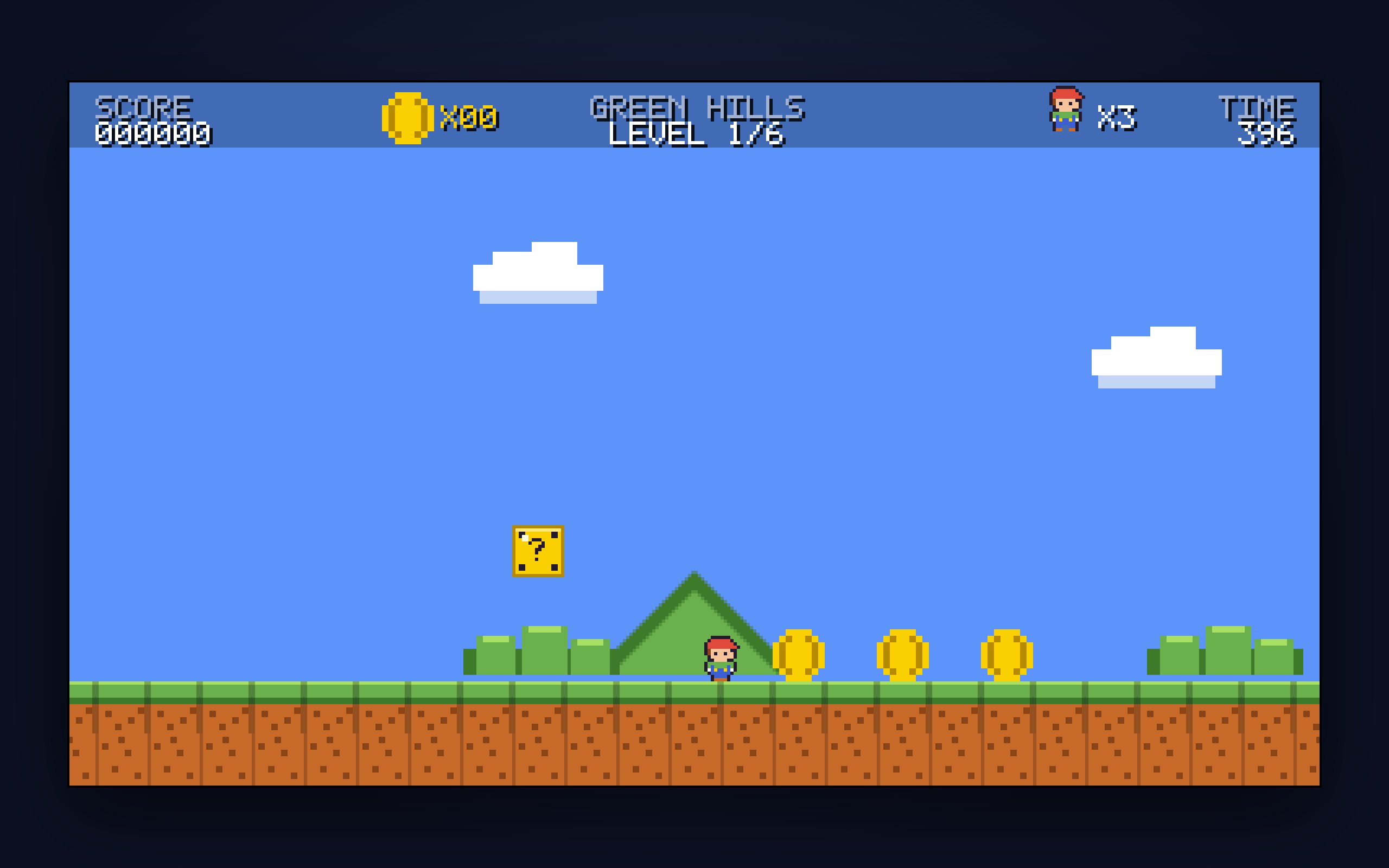
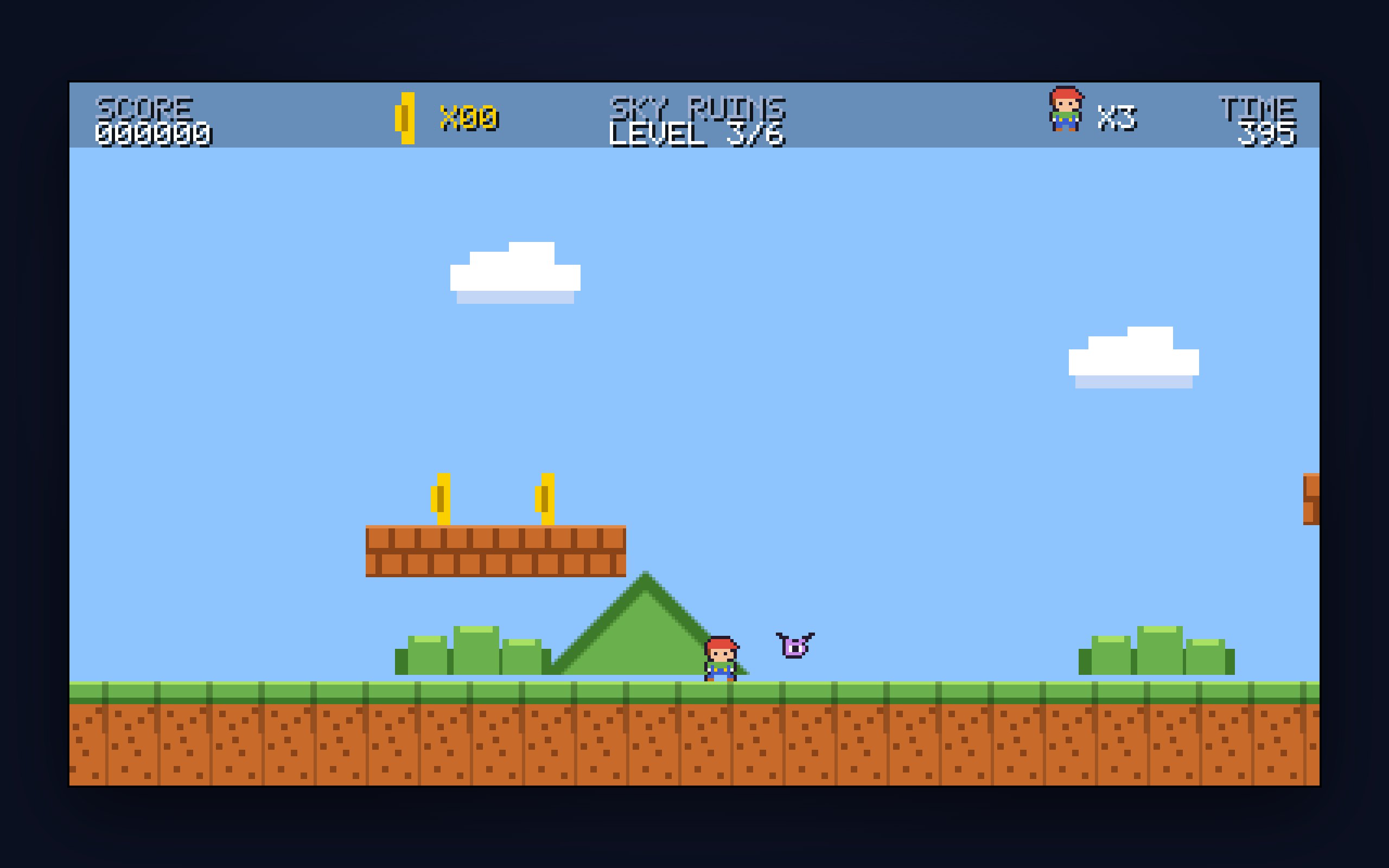
The visual identity is a disciplined 8-bit revival: a fixed palette, chunky readable type, and a bright outdoor world that reads clearly at a glance even at 384×216.
- A tight indexed palette in the classic console register: sky blue, hill green, earth orange, and a gold accent that carries every interactive cue
- Bitmap-style display type at integer sizes only, so letterforms stay crisp instead of smearing between pixel grids
- No photography, no gradients, and no anti-aliasing anywhere; every shape is drawn from squares, which keeps the era honest
Mobile and speed optimization
The game targets desktop first, with keyboard and mouse as the primary controls. It stays light enough to load instantly anywhere.
- There’s no engine runtime and no asset downloads, so the whole game arrives in a handful of requests
- A capped frame delta keeps the simulation stable even when the browser tab stutters or loses focus
- The page stays lean, with no frameworks or trackers between the visitor and the game loop
How this template helps you convert
A playable game holds attention longer than any showreel. The page around it is built to turn that attention into a next step.
- Visitors play right away, with no signup, download, or install before the first round
- The finished build is fully inspectable, which turns curious players into builders who want the prompt behind it
- Paying once for the prompt is a small, concrete next step while the session is still hot
Other information about this template
PIP’S QUEST works as a portfolio centrepiece, a campaign piece, or a teaching codebase. A few things are worth knowing before you build on it.
- The game is keyboard-first and locks to landscape on phones, so mobile visitors are prompted to turn the device sideways
- Levels, palette, sprite maps, and the boss pattern are all data you replace; the engine underneath is what carries over
- It was built live as a YouTube demo, so the whole thing is designed to be readable rather than clever
- There’s no build step: the game is plain files you can open, edit, and reload
How it works
There are no image or audio files anywhere in the build. Every sprite is a pixel map (rows of characters indexed into a palette), baked to an offscreen canvas once at load, and every sound is synthesised in WebAudio at boot. The whole game renders at 384×216 and scales by whole integers only, so pixels stay square at any window size and ×5 lands on exactly 1080p for recording.
Levels are text
Each one is a list of 24×15 character screens concatenated left to right, which keeps columns aligned by eye while you author. An audit script then flood-fills every level from the spawn point using the measured jump envelope and reports ragged rows, one-tile floor holes, impassable columns, over-wide gaps, obstacles hanging inside a jump arc, and low headroom. Hand-authored geometry produces bugs that only automation catches. That script is why all six levels are provably completable without ever pressing run.
Built to be fair
Coyote time and jump buffering sit under the controls where nobody notices them, and every required gap is held to three quarters of what a walking jump can clear. It’s designed so a ten-year-old and a sixty-year-old can pick it up with the same three keys.
Screenshots
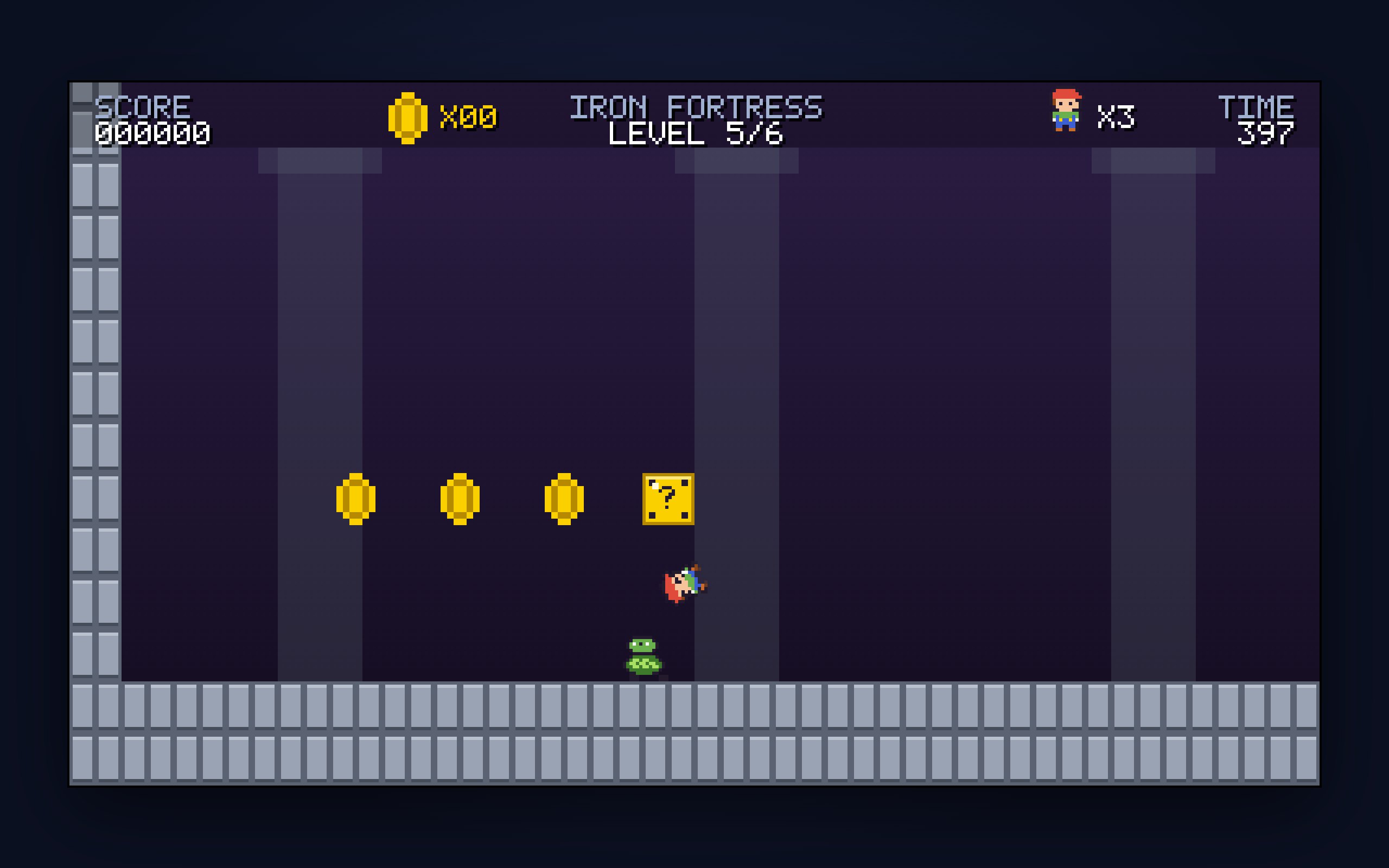
Captured from the live build: the title screen, then gameplay, level by level.