Quick summary
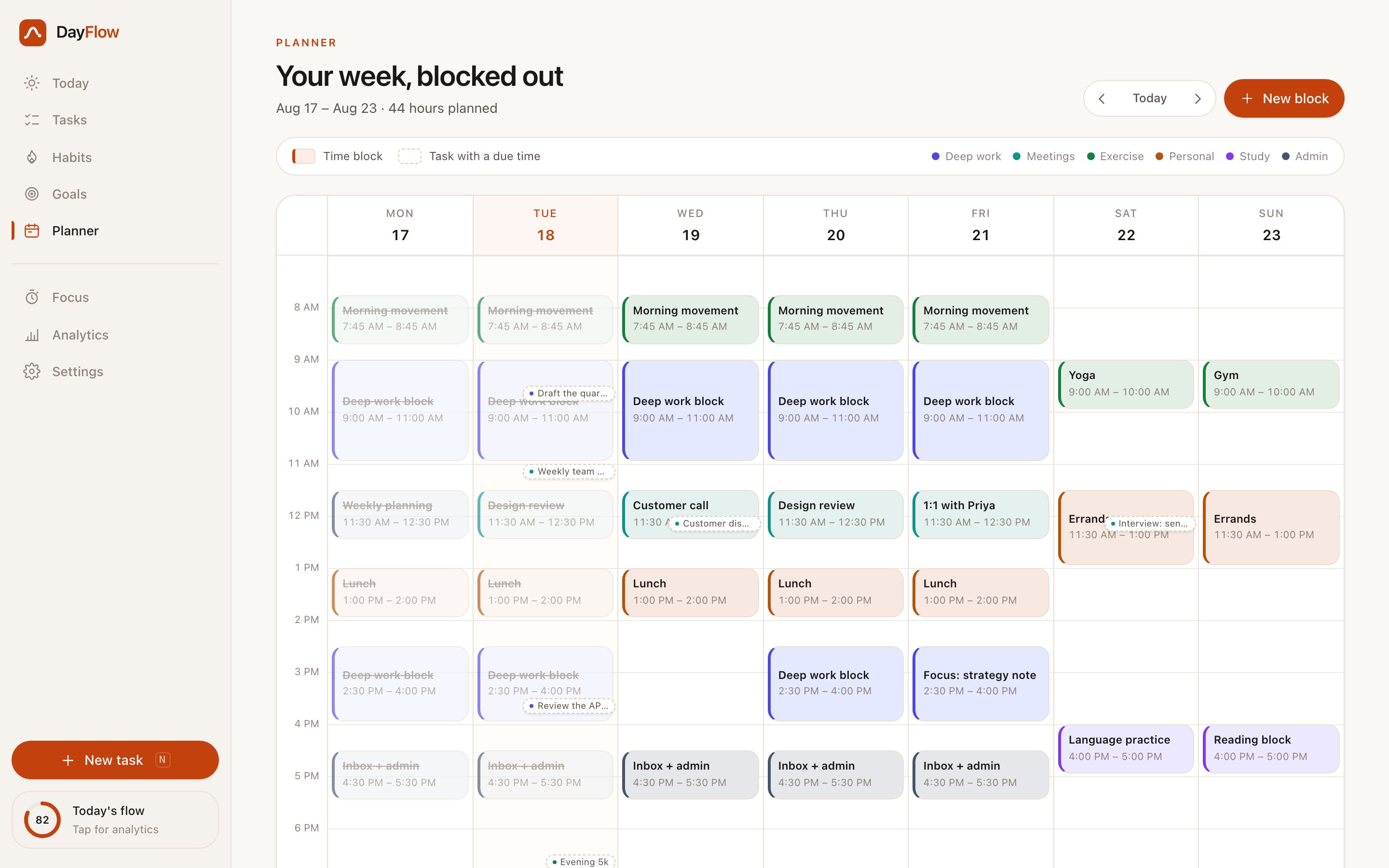
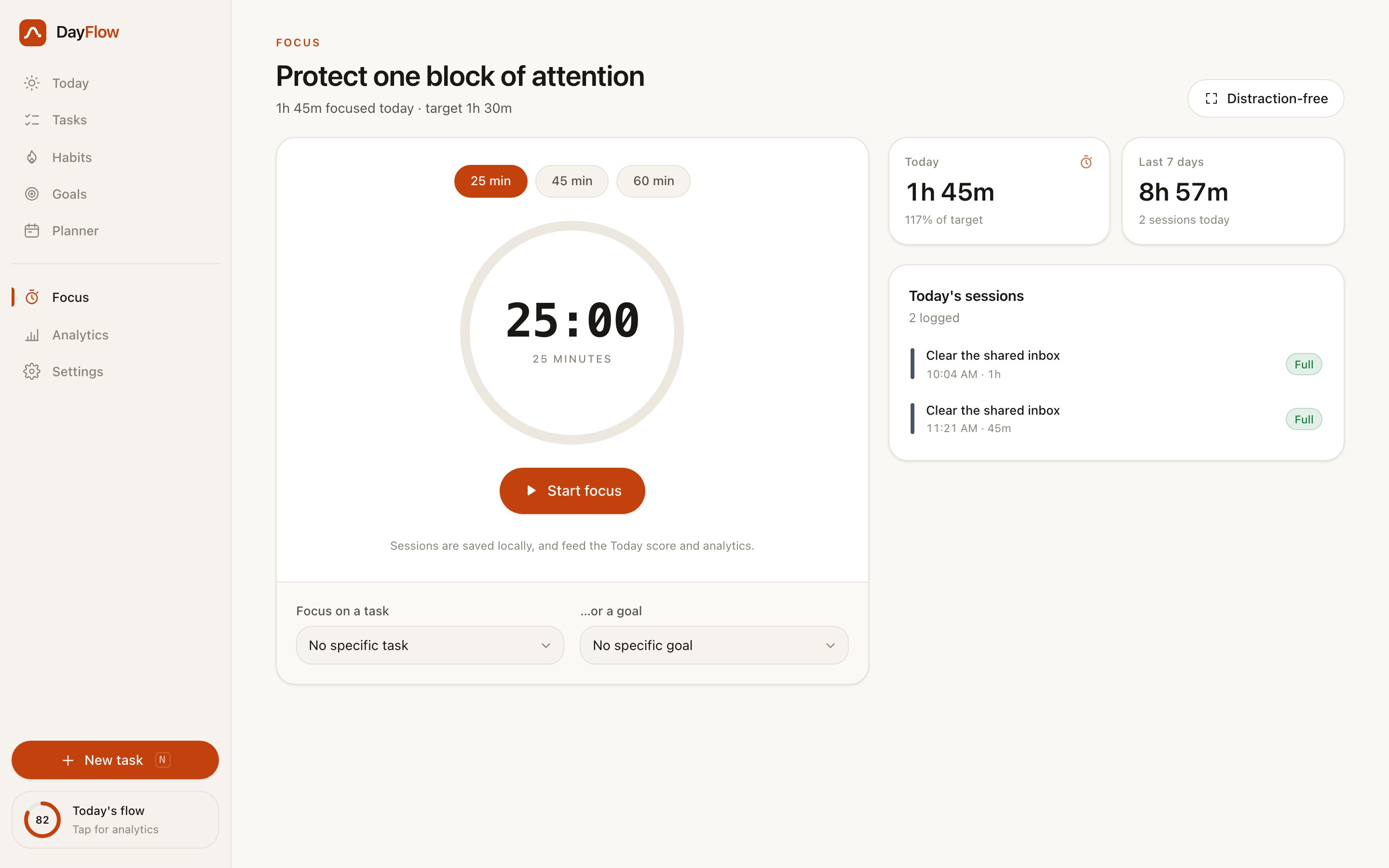
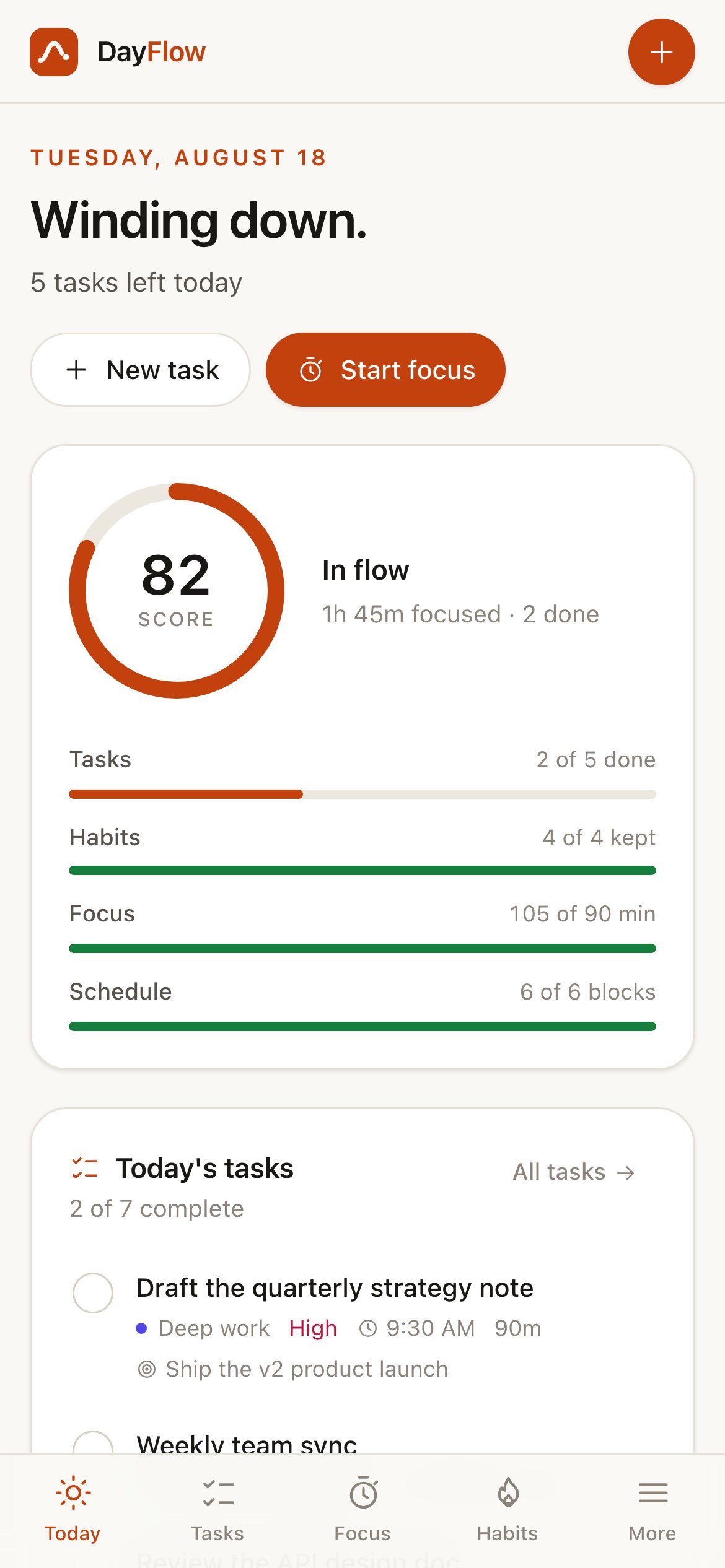
A complete personal productivity product, built as one coherent app rather than nine screens that happen to share a sidebar. It has tasks in a list and on a board, habits with working streaks, goals that calculate their own progress, a weekly planner, a Pomodoro timer, and analytics.
The architecture is the interesting part. It stores facts and derives everything else, so completing a single task moves the day score, the streaks, the goal it belongs to, and the 7-day trend at the same time, with nothing to keep in sync. It’s entirely local, with one versioned browser key and no account, server, or API key. That’s what lets a full multi-screen product sit on a static host and cost nothing to run.
Who this template is for
This is the template for anyone who needs to show a working multi-screen product instead of a landing page about one.
- Founders and studios who need a credible product demo: something a visitor can use for ten minutes, not skim for ten seconds
- Teams starting an internal tool, who want the tasks, habits, goals, and calendar scaffolding already solved and consistent
- Developers who want a worked example of a local-first app: derived state, versioned storage, safe import, and no backend to run
What problem this template solves
Productivity demos are usually the thinnest kind of demo. They look complete in a screenshot and come apart the moment you press a button.
- The screens are decorative. Completing a task on one page doesn’t change the numbers on any other
- Refresh and the work is gone, because nothing was ever persisted; the demo has no memory of you
- A finished product needs a dozen surfaces to agree with each other, and that consistency is the part templates almost never ship
What you get with this template
The demo is the whole product. Every number on every screen is computed from the same data you’re editing, so there’s nothing staged in it.
- Nine finished surfaces that share one store and one visual language: onboarding, today, tasks, habits, goals, planner, focus, analytics, and settings
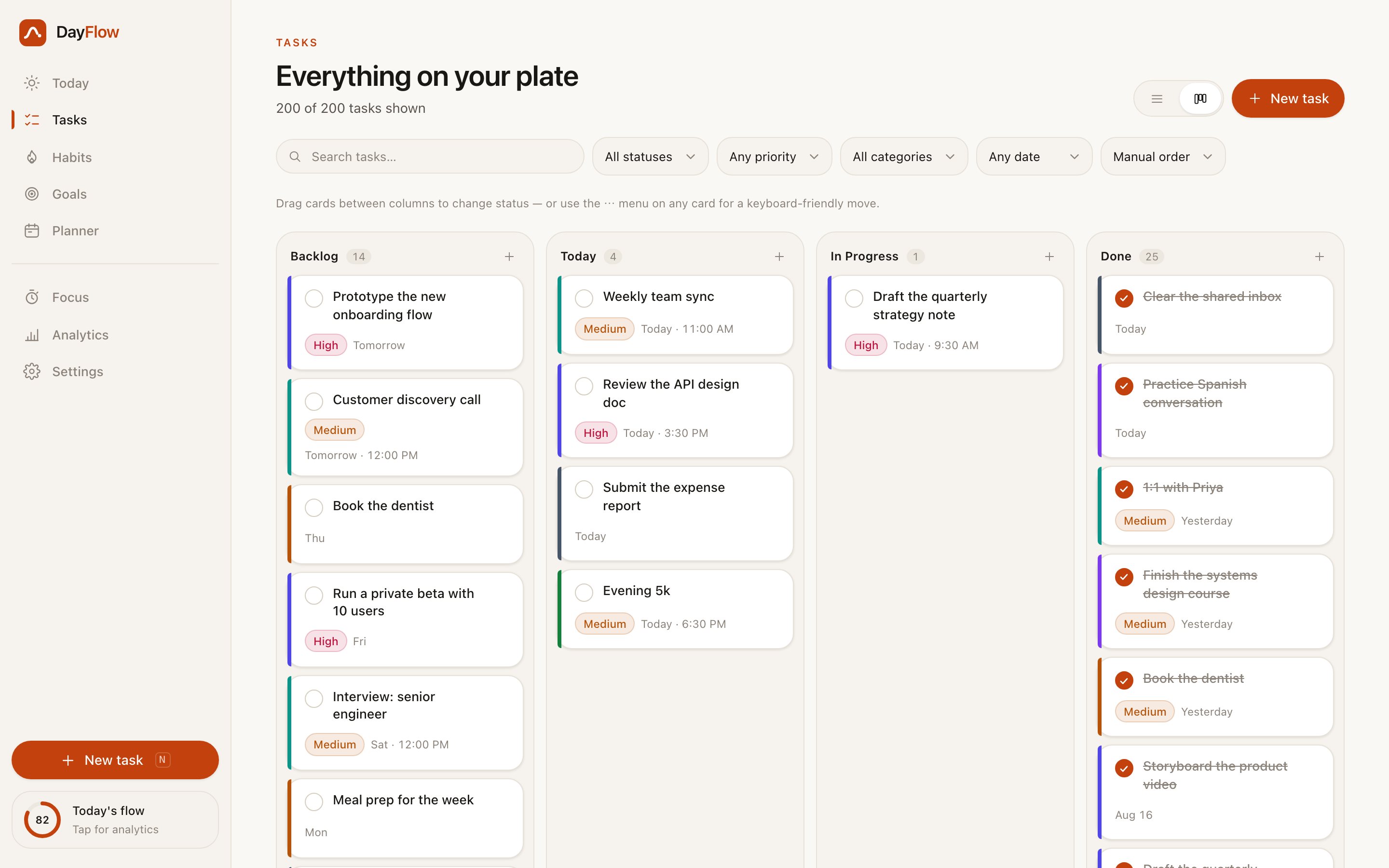
- Working interactions throughout: drag tasks between board columns, drag and resize planner blocks, and run a Pomodoro that survives a backgrounded tab
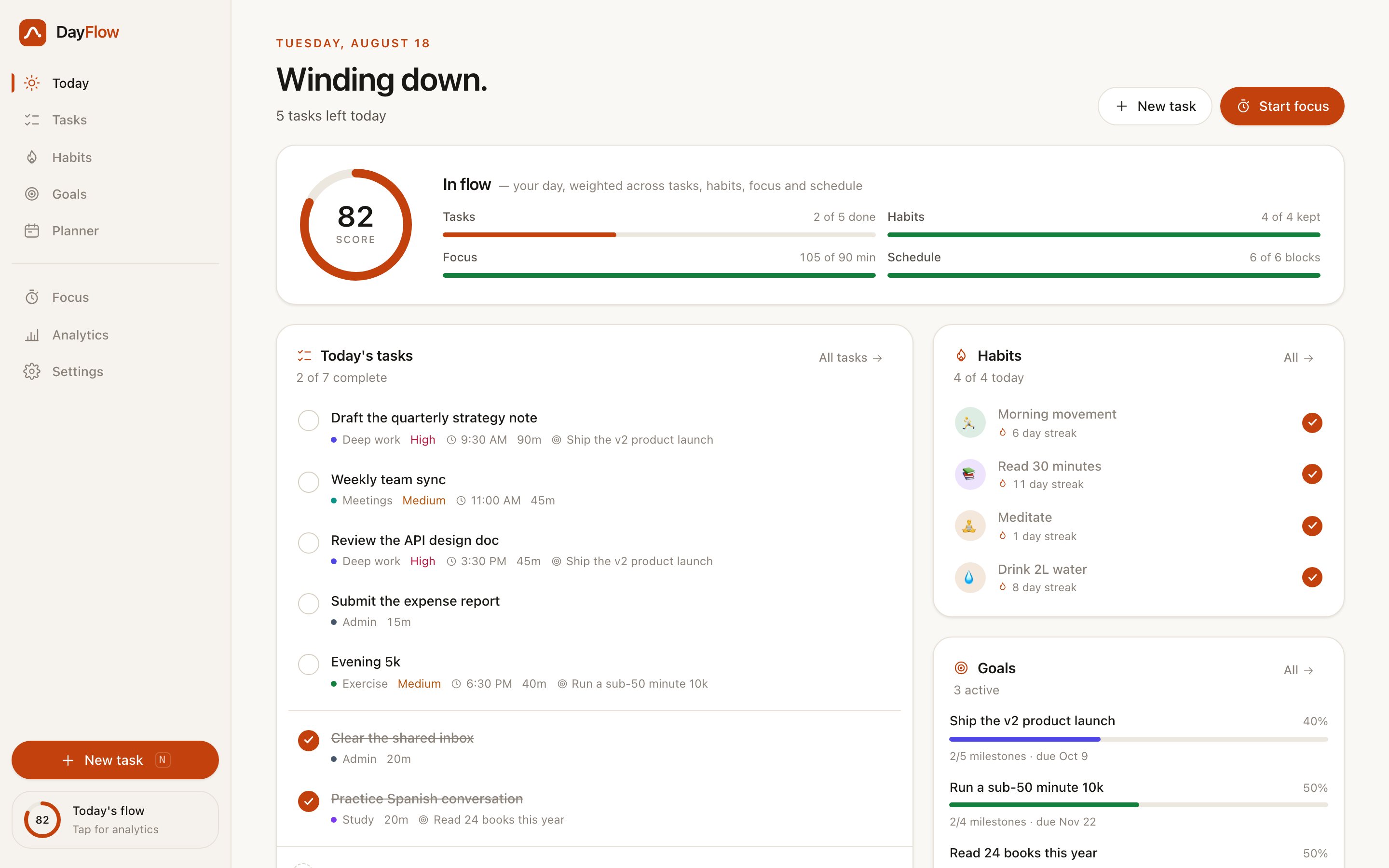
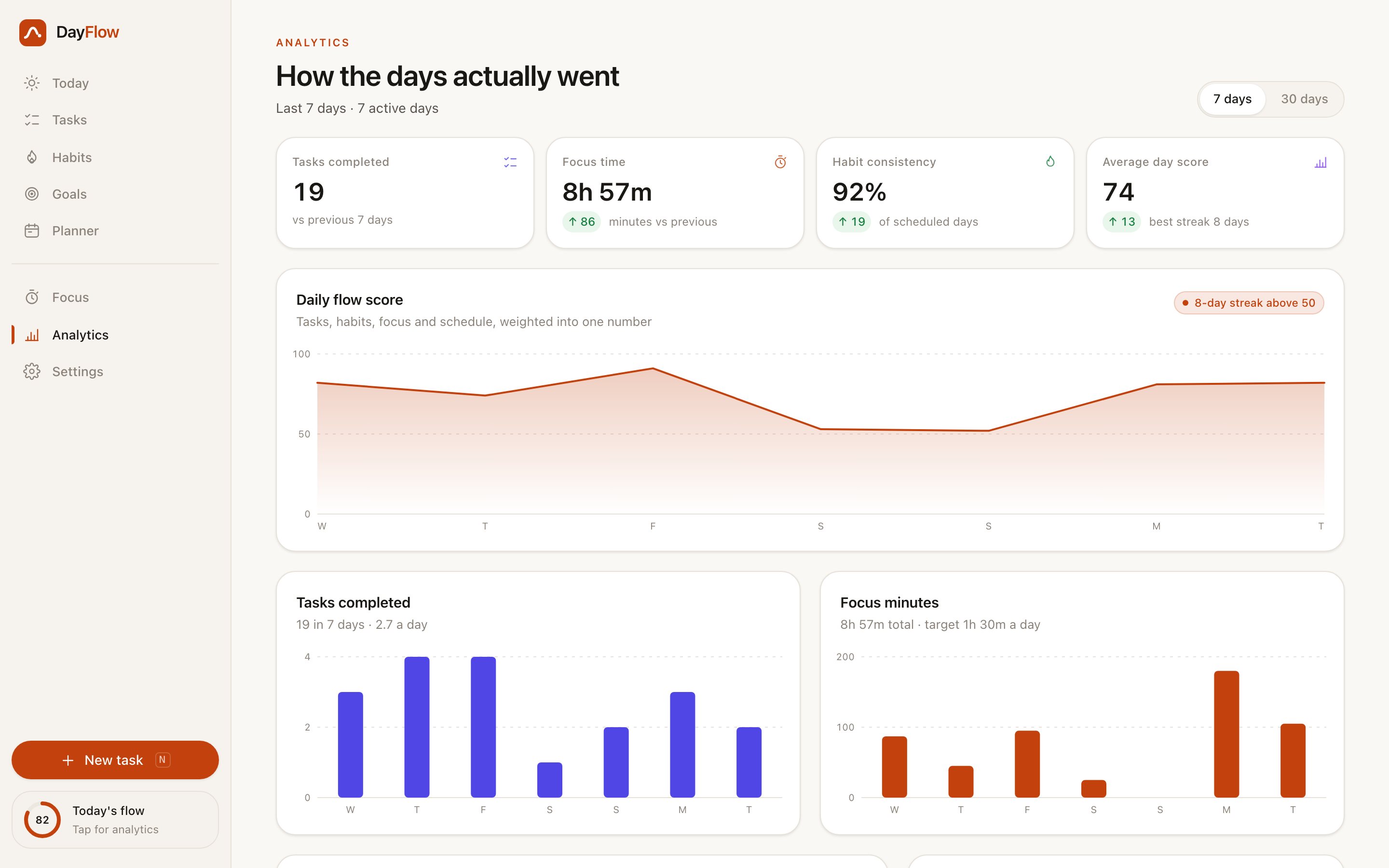
- Analytics that are derived rather than drawn. Complete a task and the 7-day trend, the day score, and the streaks all move together
- Your data as a file: export the whole workspace to JSON and import it back, with every field validated on the way in
Stage overview
| Step | What happens |
|---|---|
| Onboarding | Five questions that change the app |
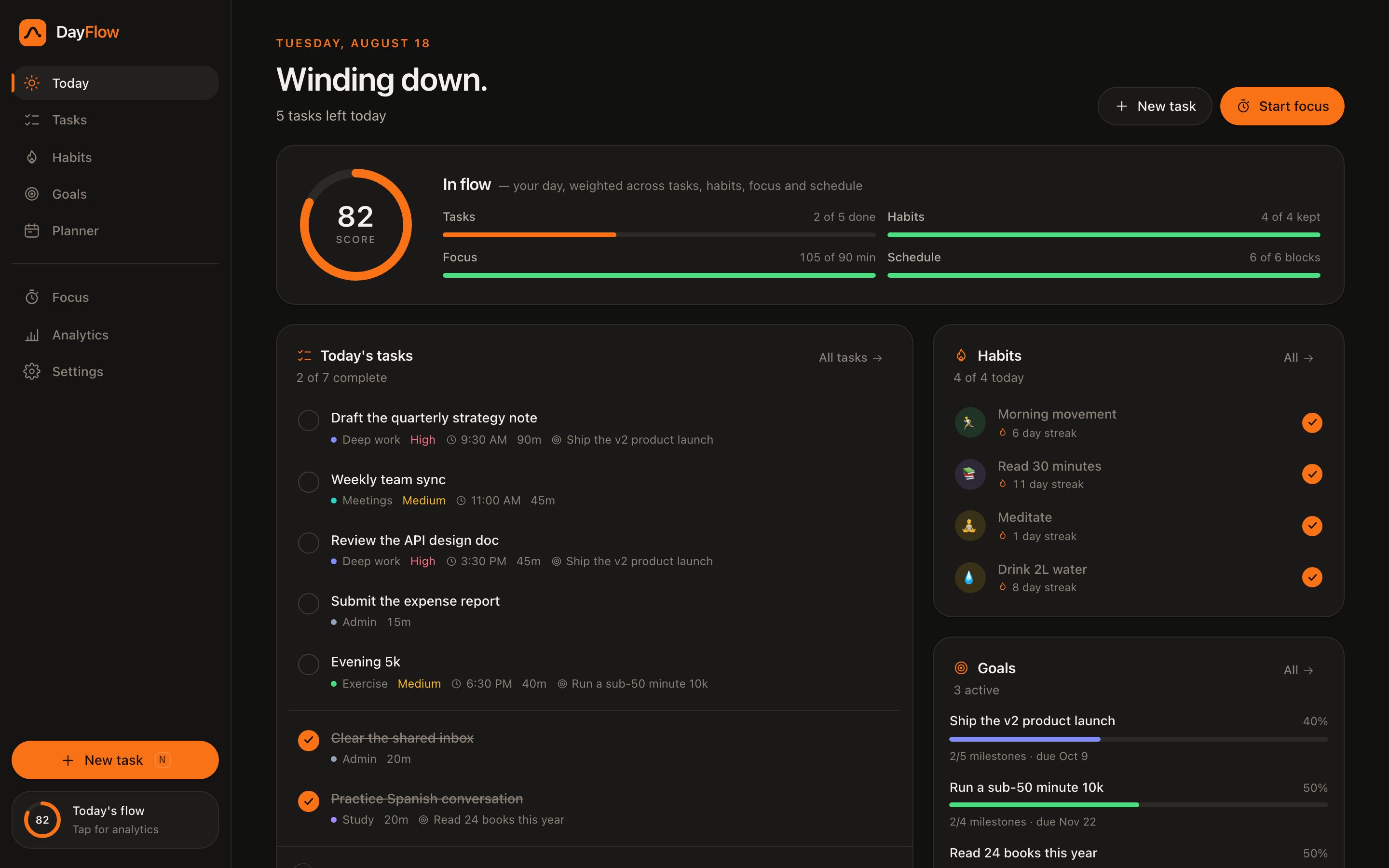
| Today | One screen that answers “how is today going?” |
| Tasks | A list and a board over the same data |
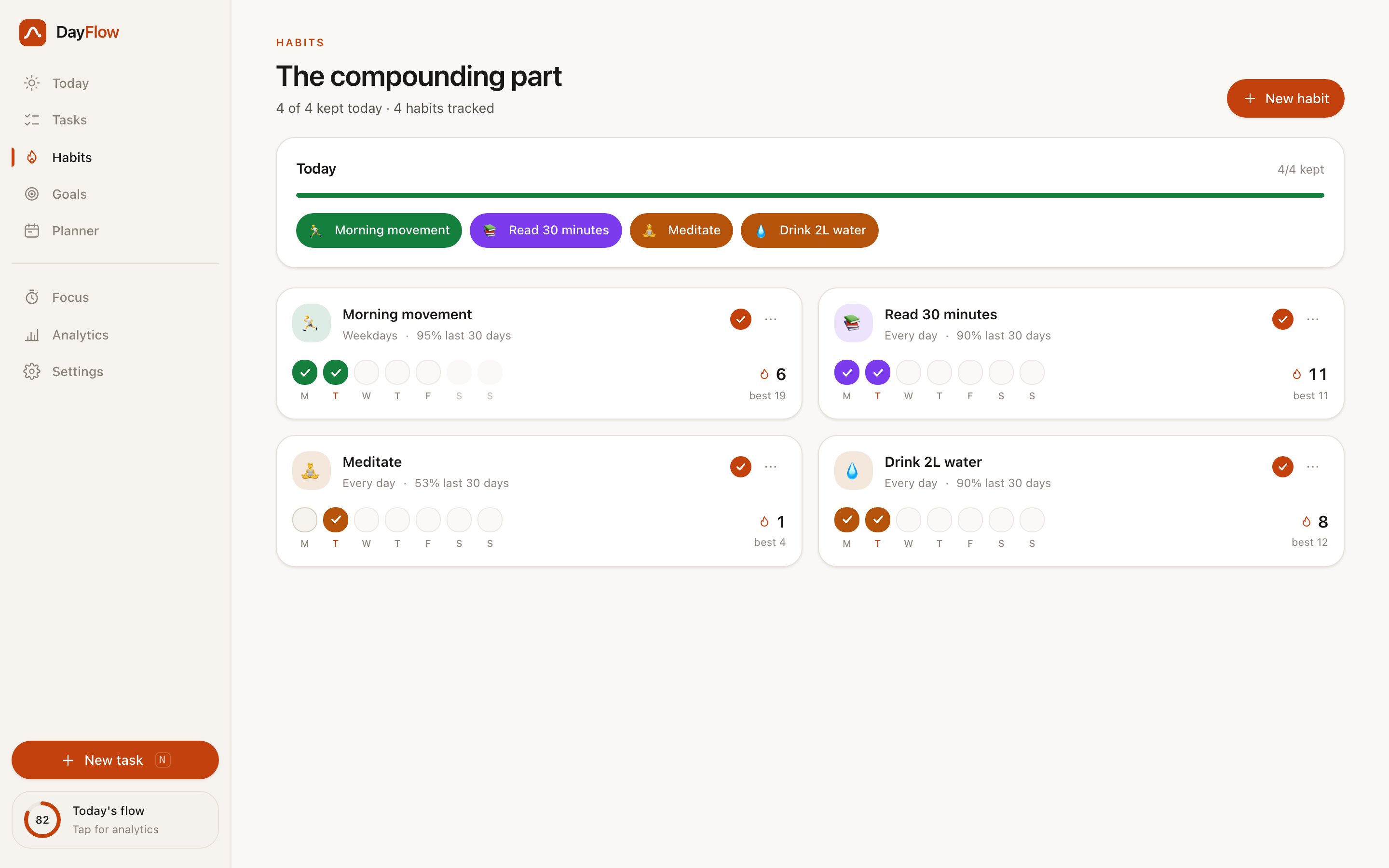
| Habits | Streaks that count the days you meant to show up |
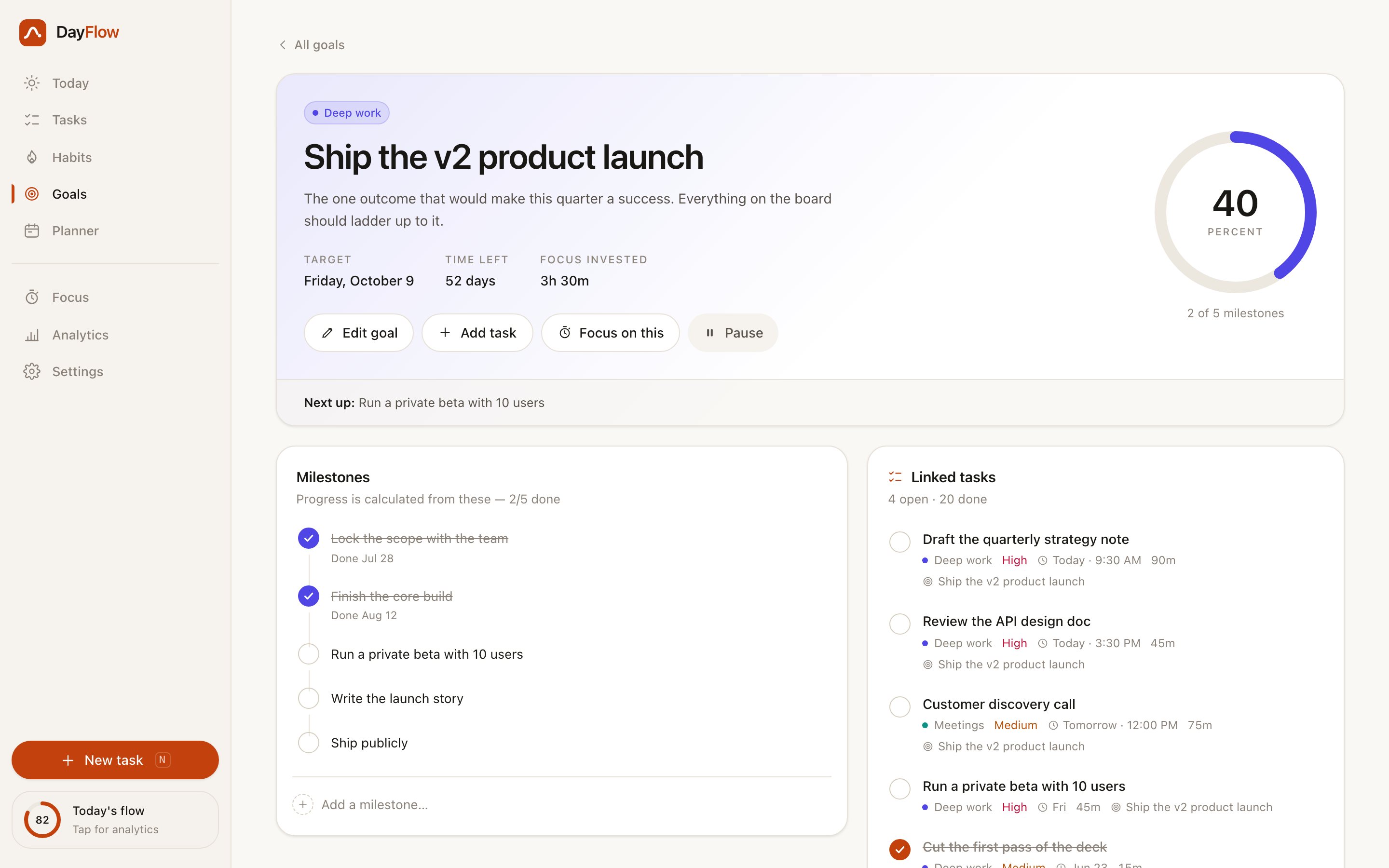
| Goals | Progress you can’t fake |
| Planner | The week in blocks instead of a list |
| Focus | A timer that tells the truth |
| Analytics | Seven and thirty days, computed live |
| Settings | Where the data is yours |
Design and branding system
DayFlow skips the default dashboard look. Warm paper and ink with a single accent make it read like a consumer product instead of an admin panel.
- A warm paper canvas and near-black ink with one vermilion accent, plus six domain hues used consistently for categories, planner blocks, habit colours, and chart series
- The “flow ring” recurs as the day score, the focus timer, goal progress, and the sidebar chip, so one shape carries the brand across every screen
- Light and dark are two token sets rather than an inverted filter, and the theme is resolved before first paint, so the app never flashes white on load
- There are no web fonts and no image assets, just a system font stack and inline SVG. That’s why it works offline and loads instantly
- Motion is short and purposeful, and honours both the operating system’s reduced-motion setting and an in-app toggle
Architecture and hosting
The interesting decision is that almost nothing is stored. Facts go in; every number you see is computed from them.
- One store holds the facts: tasks, habits, goals, blocks, and sessions. Streaks, scores, and trends are derived on read, so no two screens can disagree and nothing needs re-syncing
- Everything persists to a single versioned localStorage key, written on a debounce and flushed when the tab is hidden or closed, so a refresh or a crash never costs the last edit
- Every read is validated: unknown values are coerced, broken records are dropped, and references to deleted items are cleared. The same pass runs on JSON import, which makes importing a stranger’s file safe
- The demo data is generated deterministically and always relative to today, so the app is never showing a stale week and two visitors see the same thing
- It needs no backend, database, keys, or environment variables. It builds to static files and deploys anywhere, at no per-visitor cost
How this template helps you convert
A product a visitor can use argues for you better than a page describing one.
- Visitors spend minutes in it rather than seconds on it, because there’s somewhere to go and something to change
- It proves multi-screen consistency, which is the hardest thing to fake and what clients are really buying
- Local-first means you can leave it open to the world with no signup wall, no running cost, and no data of anyone’s to look after
Other information about this template
Worth knowing before you build on this.
- Data lives in the browser it was created in. That’s the design. It also means clearing site data clears the workspace, which is what the JSON export is for
- It’s single-user by design. Multi-device sync would mean an account and a server, and that’s the cost this template was built to avoid
- The seeded workspace is demo data, generated fresh relative to today. Reset demo data returns to it; clear all data gives you an empty app with its own empty states
- The same build also runs standalone at dayflow-os.vercel.app. This page hosts its own copy, so the preview can’t go dark
- It ships as a template, and it gets rebuilt around your domain, your vocabulary, and your metrics
Screenshots
The app as it renders, captured from the live build on this page.