Quick summary
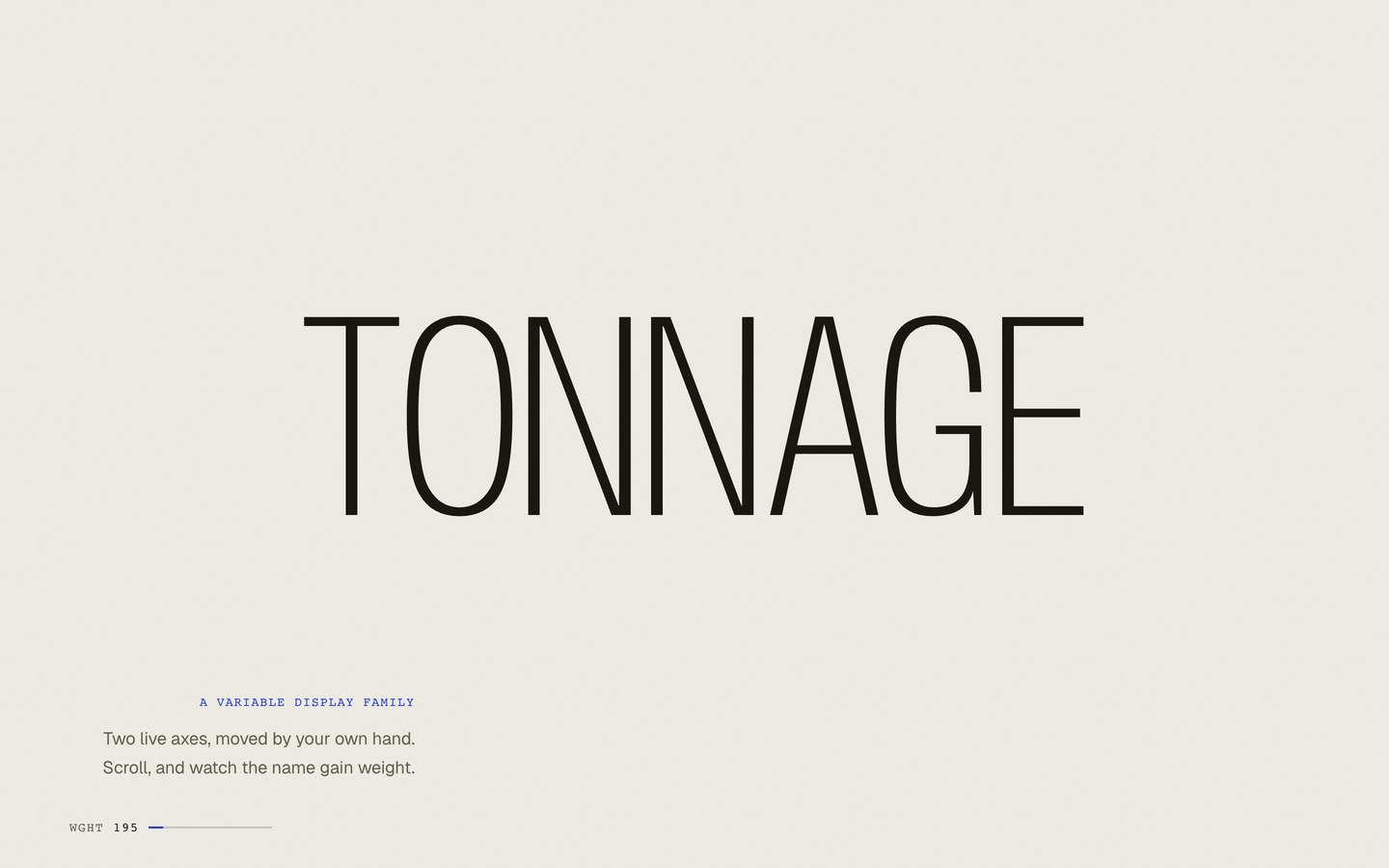
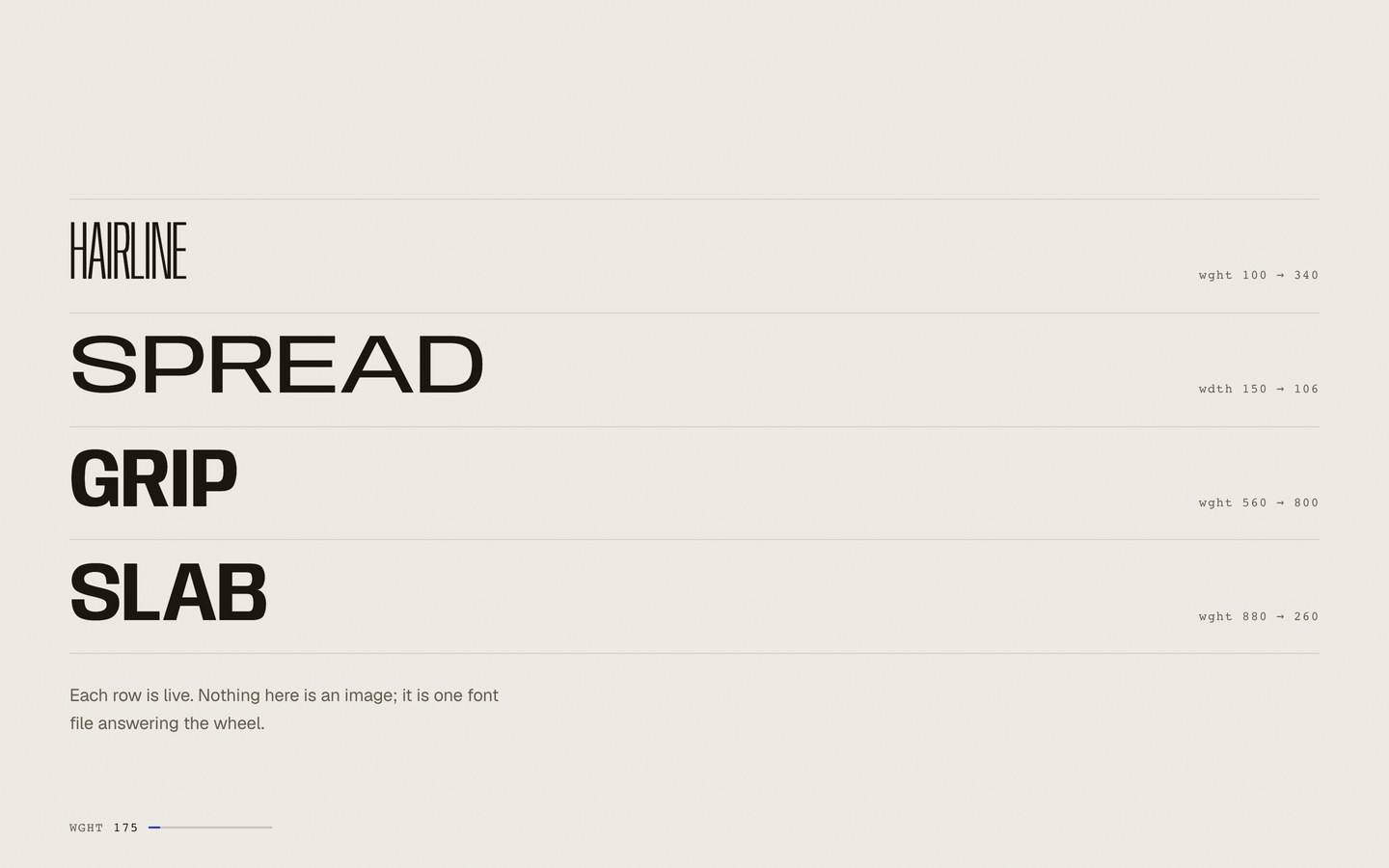
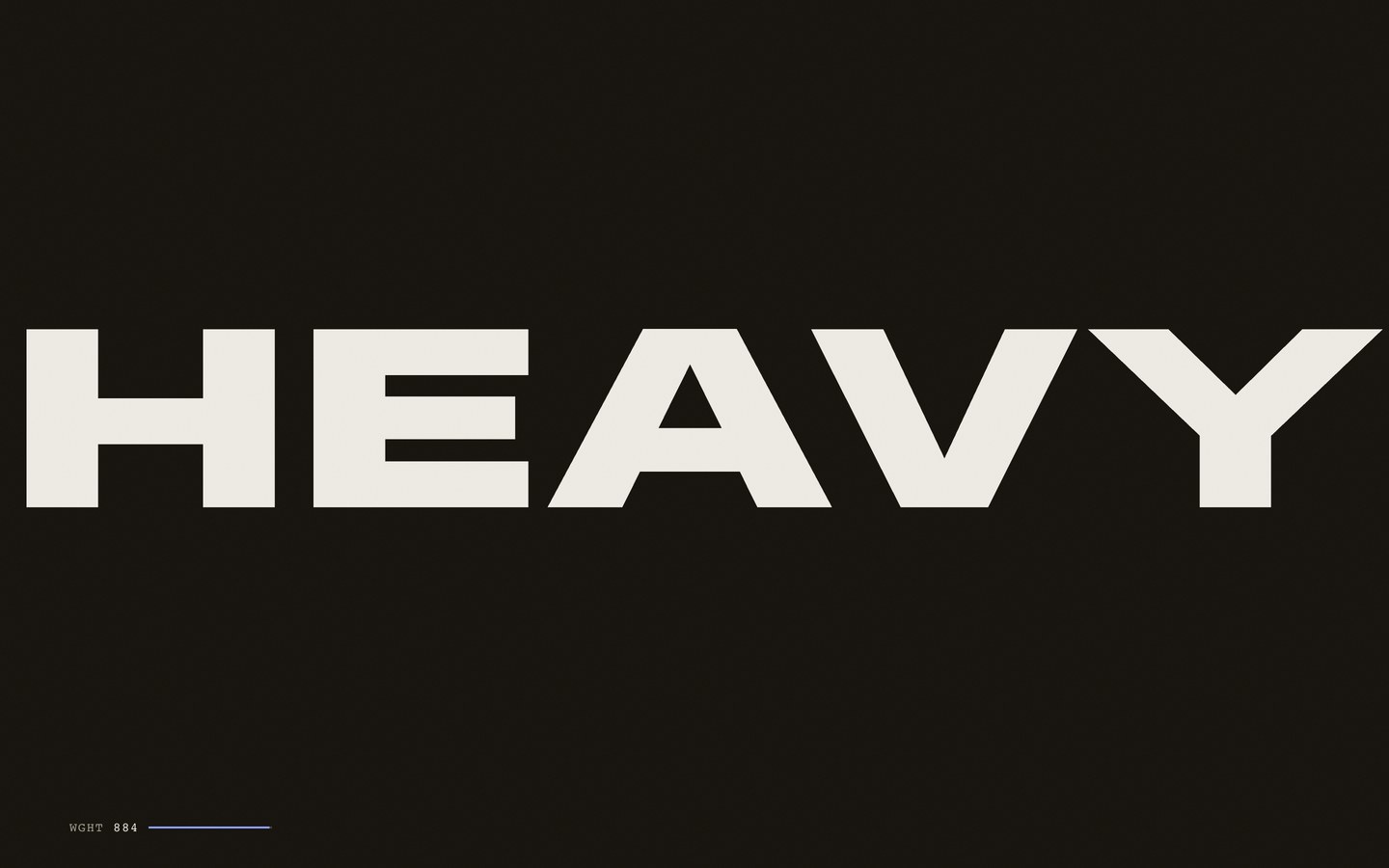
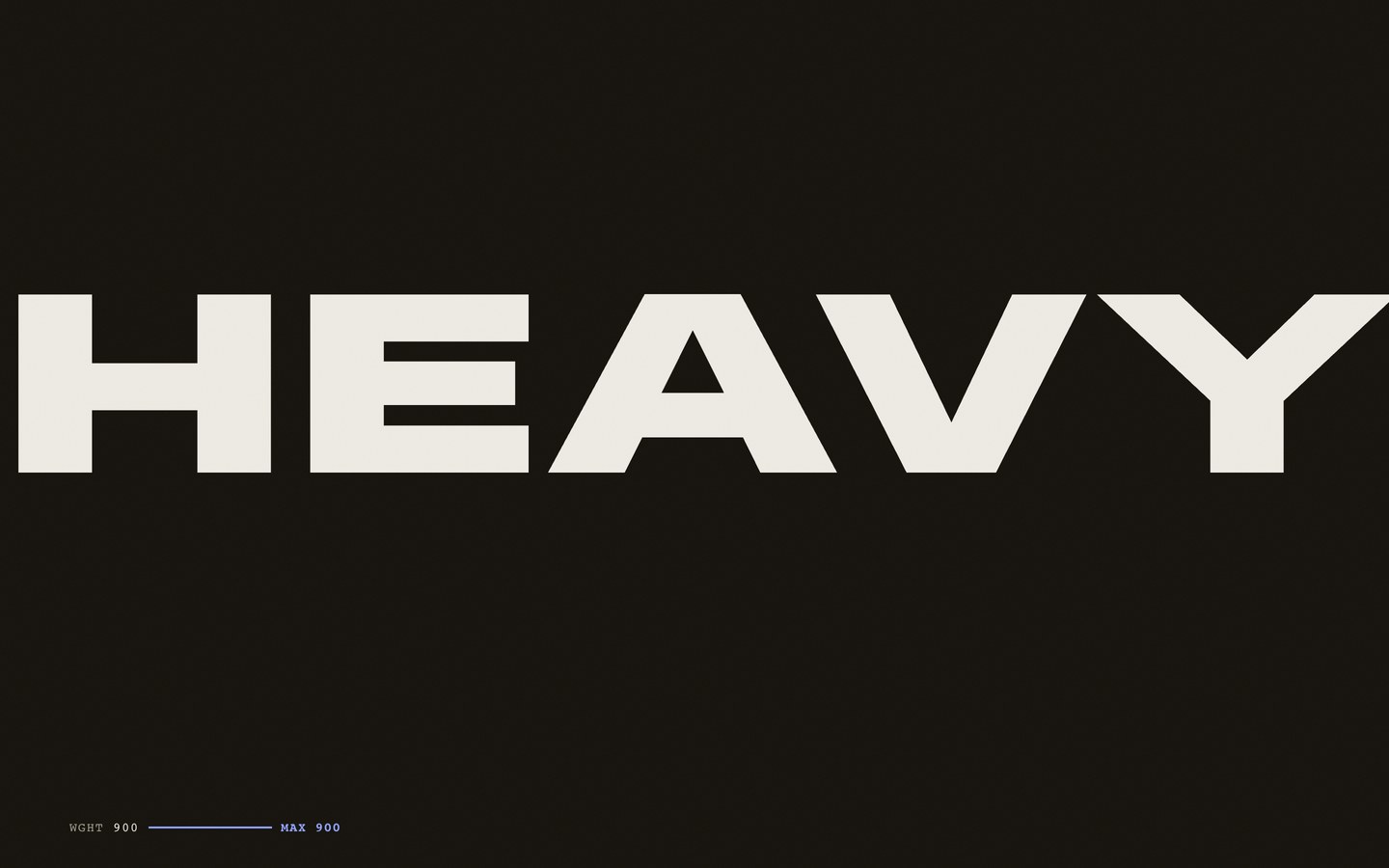
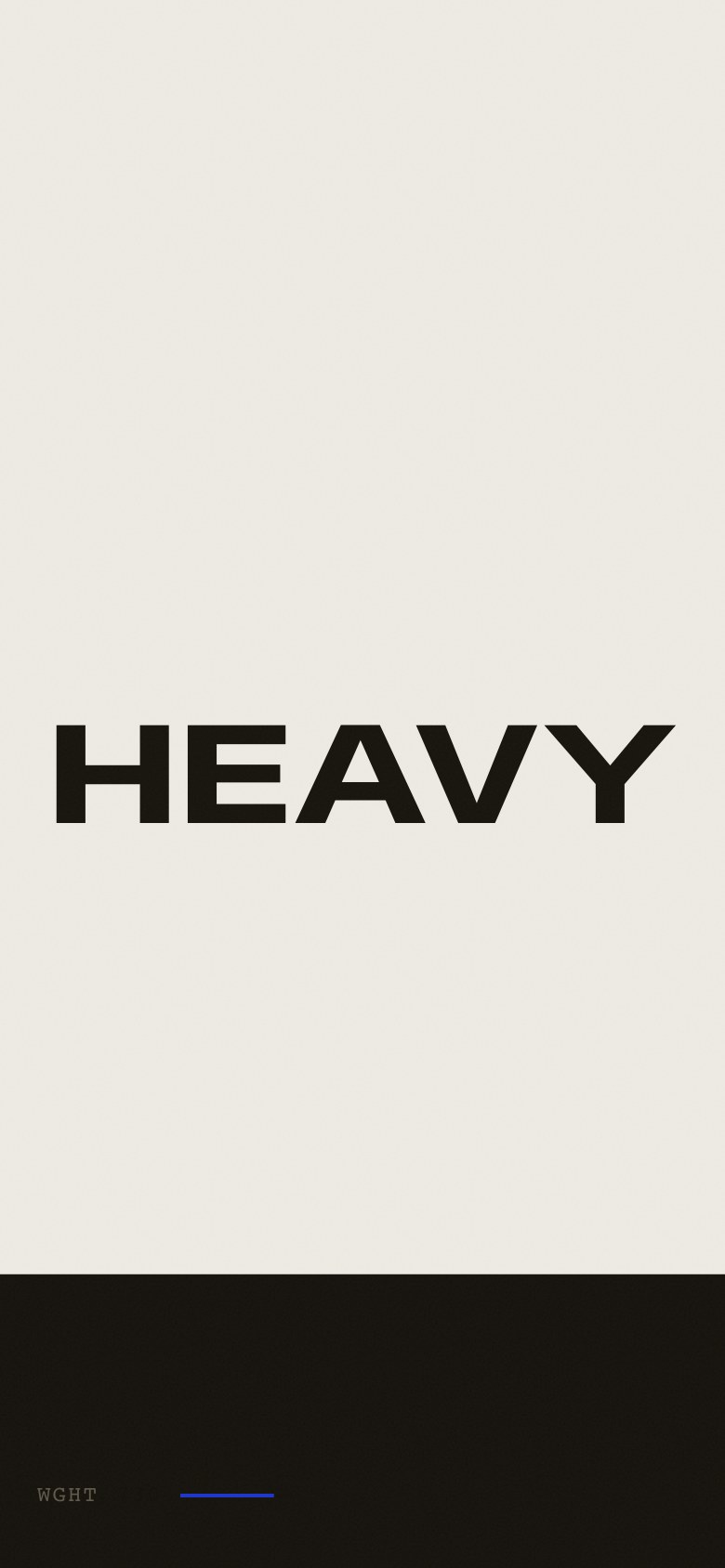
TONNAGE is a specimen page for a display family, and the specimen is alive. Scroll velocity is lerped into a global press value that biases the weight axis of every display glyph on the page, so a hard flick slams the type bold and easing off lets it relax to a hairline. A fixed gauge reads the live wght value the whole way down. Four specimen rows travel the family’s weight and width axes as you scroll, and an authored silence clears the stage. Then comes the peak: one word, HEAVY, driven from compressed hairline to full-spread slab by your own hand, until an ink flood rises and inverts the page. The gauge stamps MAX 900 for the rest of the visit.
Who this template is for
This build is for anyone whose product is best argued in type, like a foundry, a studio with a verbal identity, or a brand launching one claim. It’s also for any builder who wants a landing page with zero image weight that still feels like an event.
- Type foundries and design studios who want a specimen that visitors handle as well as read. Every glyph on the page is live and answers the wheel
- Brands with a strong sentence and no photography: scale contrast does every job imagery would, and the whole visual identity ships in two font files
- Developers who want a worked example of scroll-driven variable-font axes, with velocity mapped to weight, position mapped to a full crush, and no canvas or WebGL
What problem this template solves
Most site templates look fine in a screenshot and fall apart in production. You get interchangeable sections, stock imagery, and nothing that proves craft.
- Template marketplaces sell the same layouts to thousands of buyers, so nothing ends up feeling owned
- Buyers can usually preview a design but almost never see the exact instructions that produced it
- Teams need reference builds that survive contact with real content rather than lorem-ipsum mock-ups
What you get with this template
One HTML page, two open-licensed variable fonts, and the scrollcraft engine, about 90 KB of assets in all.
- The full six-act specimen: the self-weighing wordmark hero, the claim, four live axis rows you drag through their range, an authored silence, the crush, and the inverted colophon
- The press: scroll velocity biases the weight axis of every display glyph on the page, and a fixed wght gauge reads the live value and stamps MAX 900 when you hit it
- The peak mechanic: one word driven from hairline 100 to slab 900 by scroll position, width spreading 50 to 150, until an ink flood rises and inverts the whole page
Page sections overview
| Section | Purpose |
|---|---|
| The self-weighing hero | The name is the whole composition, and your scroll thickens it. |
| The press | Scroll harder and the letters get heavier, everywhere on the page, all the time. |
| Four live rows | The axes handled, not described. |
| The crush | The peak: you press one word from hairline to slab yourself. |
| The inverted colophon | The back page: the quietest screen on the site, and it holds. |
Design and branding system
The design brief was a printed object: a letterpress poster that answers back.
- Bone paper, warm off-black ink, and one cobalt accent: a bookbinder’s palette that skips the cream-and-brass cliché on purpose
- Anybody (Tyler Finck, ETC) carries every display setting from hairline to slab, and Geist carries the prose. Both are variable, SIL OFL, and self-hosted, at 86 KB total
- There’s no photography, video, or generated imagery anywhere. Scale contrast, weight, and the two-axis range do all the visual work
Mobile and speed optimization
Touch is a first-class press: flick velocity works the same as a wheel.
- The hero and crush words rescale on viewport width so the composition survives 390px without wrapping or clipping
- Velocity pressing works from touch scrolling exactly as from a wheel, and the gauge stays readable above the thumb zone
- Reduced motion retires the press and the gauge, keeps every act legible, and leaves the crush word driven by position so the page still makes its argument
How this template helps you convert
The page earns attention before it asks for anything. The OGtraplord homepage runs on the same logic.
- The strongest visual moment loads first, so visitors like what they see before they read a word
- Every section answers one question and hands off to the next, which keeps the scroll moving toward the call to action
- The ask arrives only after the proof: by the time visitors reach it, the work has already made the argument
Other information about this template
A few notes before you build on this one.
- Built with scrollcraft (the nateherk-design Claude Code plugin) on its stock engine. The press, the flood, and the gauge are custom page JS that reads the engine’s published --sc-p progress, and the engine itself is untouched
- The whole page passed the skill’s own verification suite: desktop, 390px mobile, and reduced-motion walks, plus dead-scroll and composited-contrast checks, all clean
- TONNAGE the foundry is fiction and says so in its colophon. The faces are real open-licensed fonts, credited on the page, so nothing fictional is sold as fact
- Swap the two woff2 files and the axis formulas to make it any family’s specimen. The press works on any variable font with a weight axis
How it works
TONNAGE was built with scrollcraft, the nateherk-design Claude Code plugin, in its typographic-poster grammar. That’s the one grammar where type is the imagery and photography is banned. The engine publishes each act’s progress as a CSS custom property, and the page’s own JS and calc()-driven font-variation-settings turn that into live axis values. There’s no canvas, no WebGL, and no images. The entire visual identity is two self-hosted variable fonts (Anybody by Tyler Finck/ETC and Geist by Vercel, both SIL OFL) totalling 86 KB.
How it was tested
The build passed the skill’s own test run. A headless browser walks every act at six scroll positions on desktop, 390px mobile, and reduced motion. It checks for dead scroll, cues that never reach full opacity, and per-line contrast measured on the composited page. All three passes came back clean, and the fingerprint registry row that stops the next build from repeating this one is already written.
Screenshots
Captured from the live build, section by section, exactly as the template renders.