Quick summary
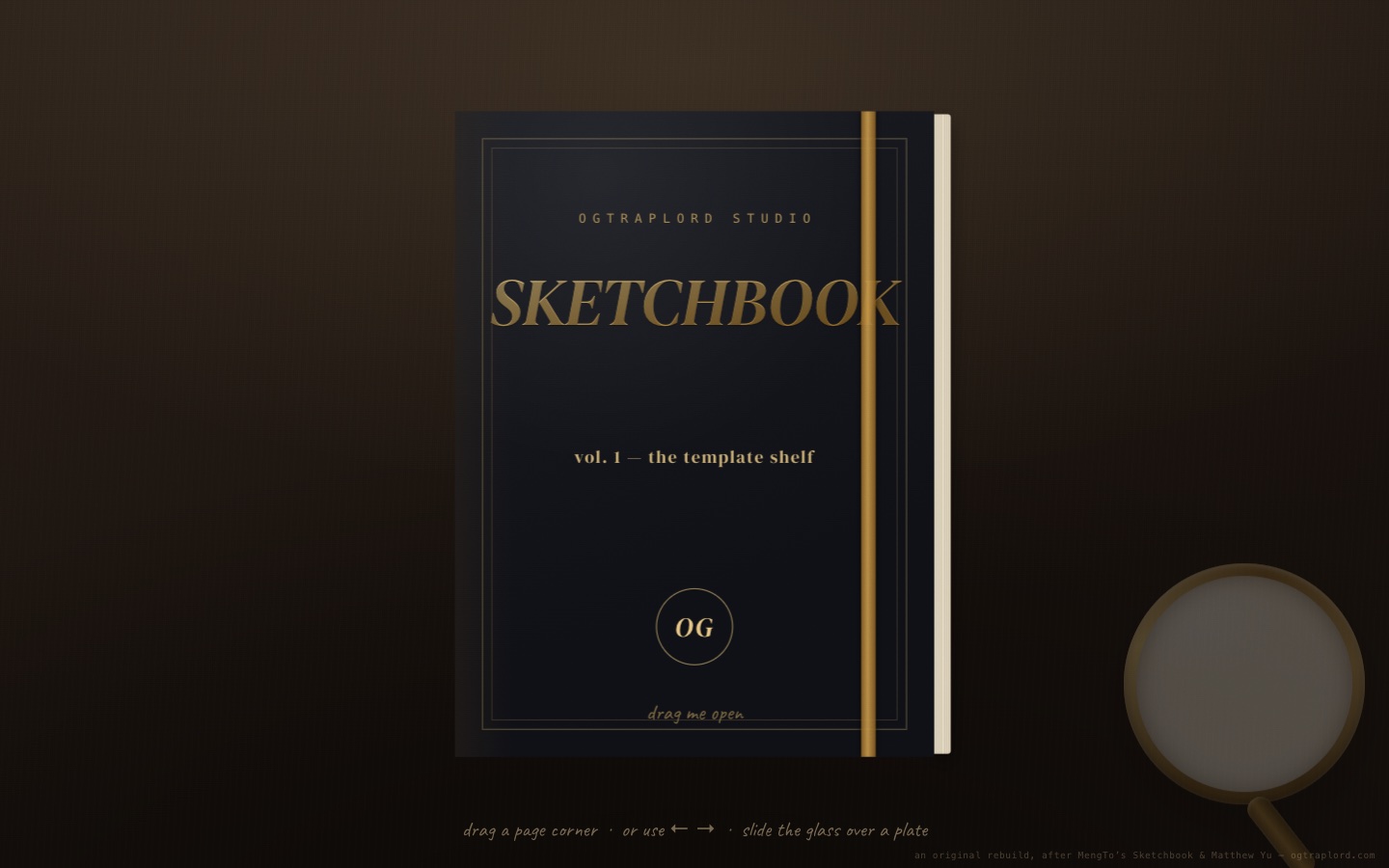
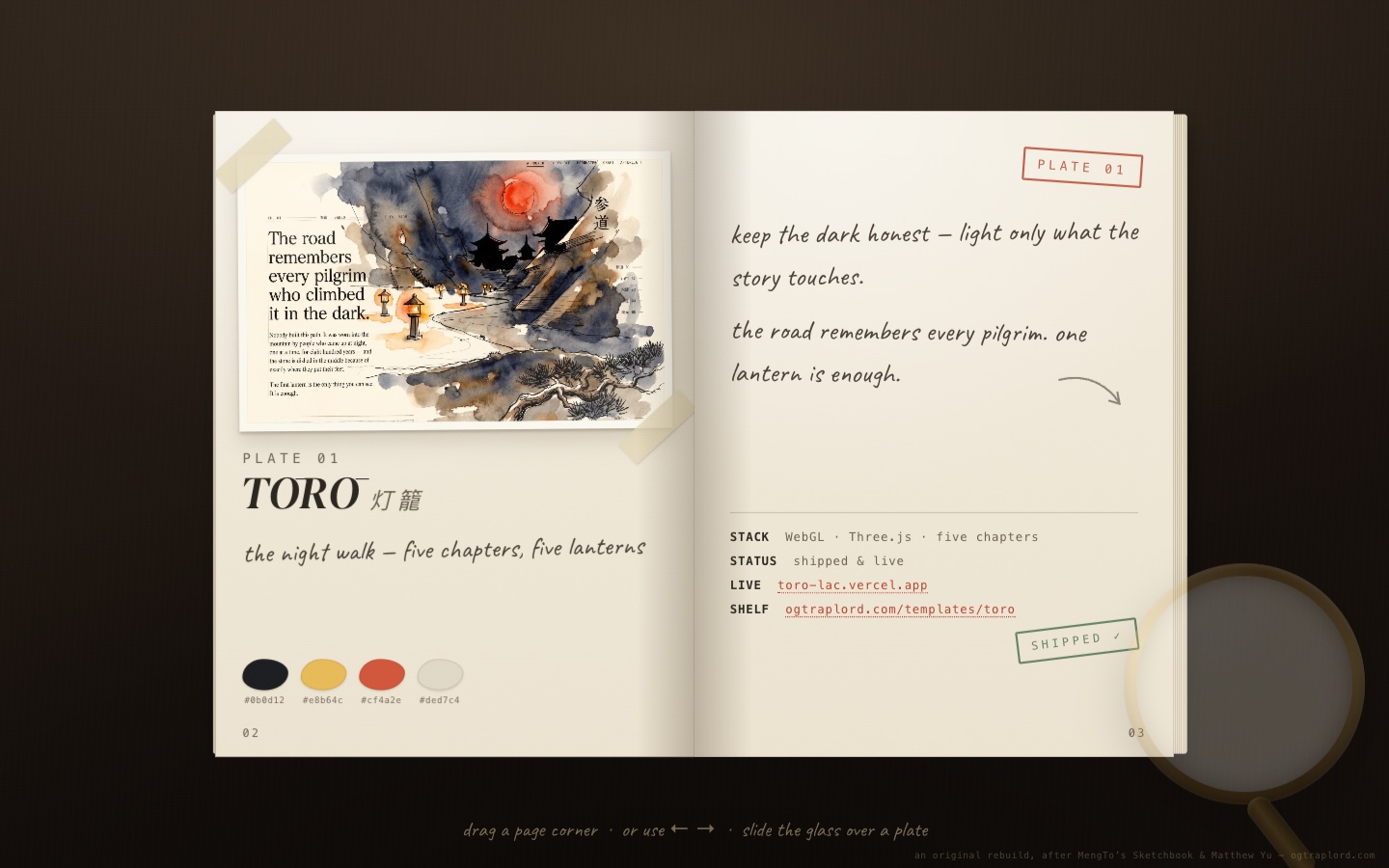
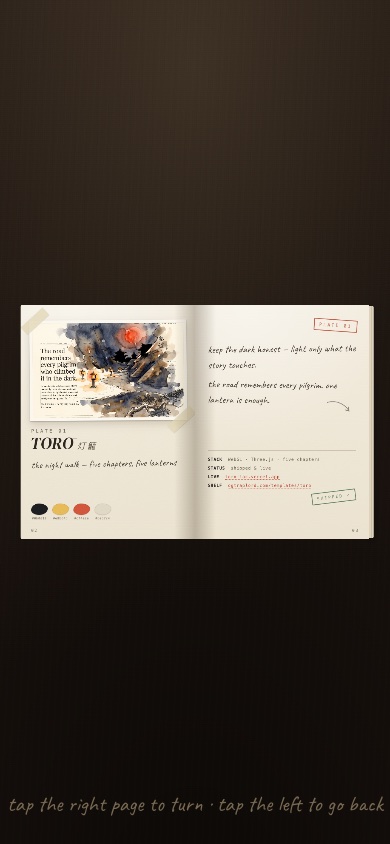
Studio Sketchbook is a portfolio you handle instead of scroll: a foil-stamped book waiting on a leather desk. Drag the cover and the pages bend like paper. Each leaf curls through an arc as you pull it, then commits or falls back on a spring when you let go. Inside are eight of the studio’s shipped templates as watercolor concept plates, taped in with palette swatches, handwritten notes, and live links. Then the twist: slide the brass magnifier over any plate and the glass re-renders that spot with the shipped site’s real pixels. Every template starts as a sketch. The lens shows what it became.
Who this template is for
This build is for anyone whose work deserves better than a grid of thumbnails: a studio with a body of work, a designer with a process worth showing, or a brand that wants its catalog handled like an object.
- Studios and freelancers who want a portfolio that visitors handle instead of scroll. A book on a desk invites a different kind of attention than a card grid
- Teams who sell process: every plate pairs the concept sketch with the shipped result, and the lens is the proof that one became the other
- Developers who want a worked example of a CSS-3D paper engine (page bend, spring physics, and a live magnifier) with no framework and no WebGL
What problem this template solves
Most site templates look fine in a screenshot and fall apart in production. You get interchangeable sections, stock imagery, and nothing that proves craft.
- Template marketplaces sell the same layouts to thousands of buyers, so nothing ends up feeling owned
- Buyers can usually preview a design but almost never see the exact instructions that produced it
- Teams need reference builds that survive contact with real content rather than lorem-ipsum mock-ups
What you get with this template
One static HTML file. Open it and the book is already on the desk.
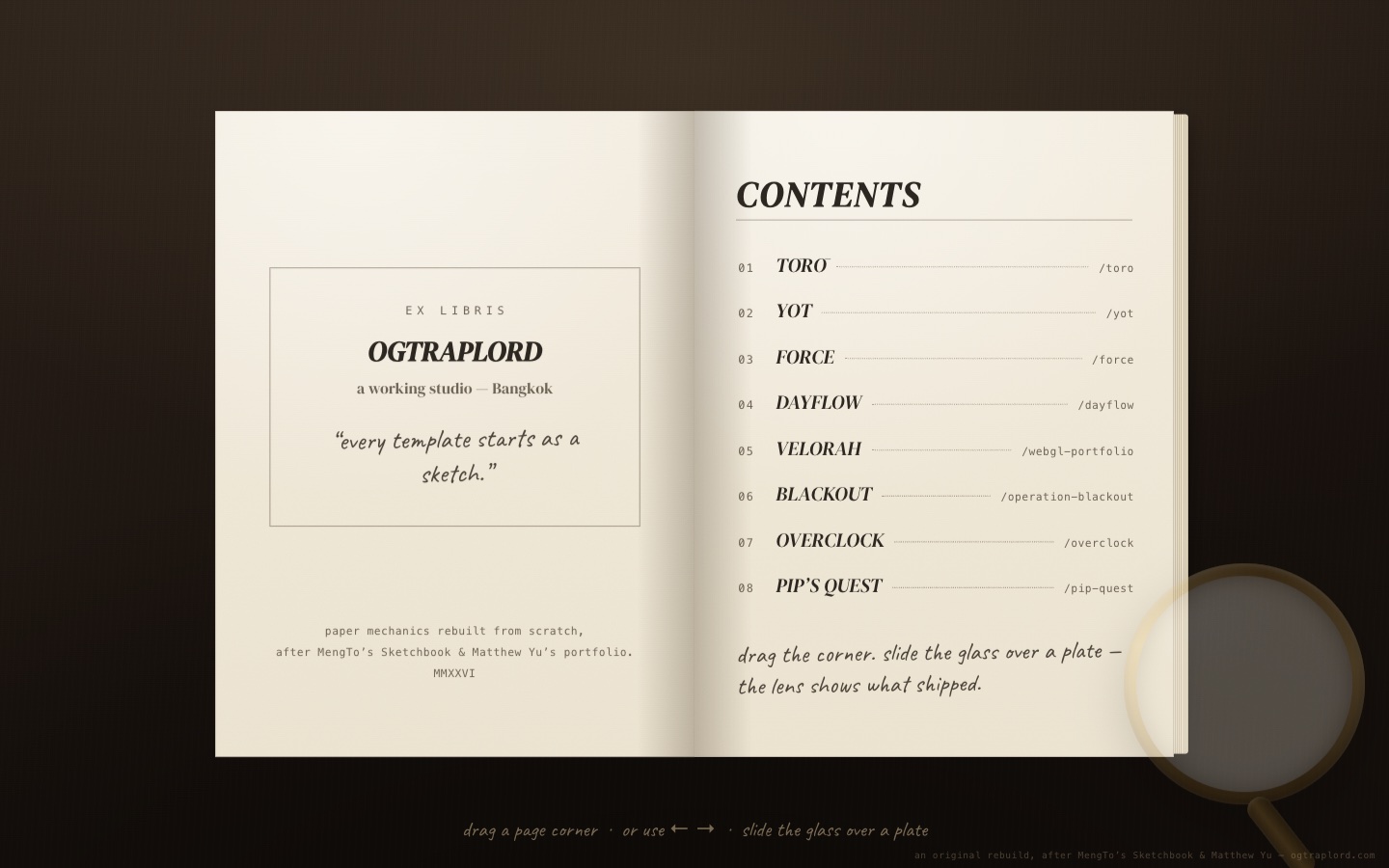
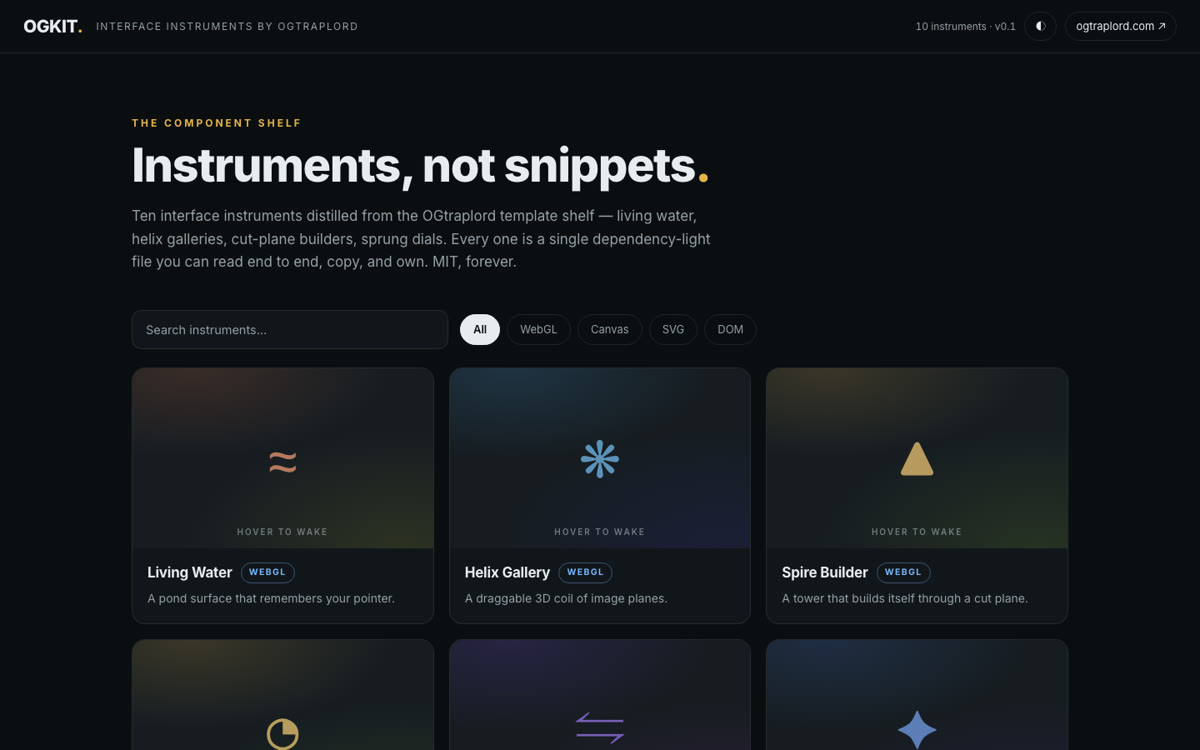
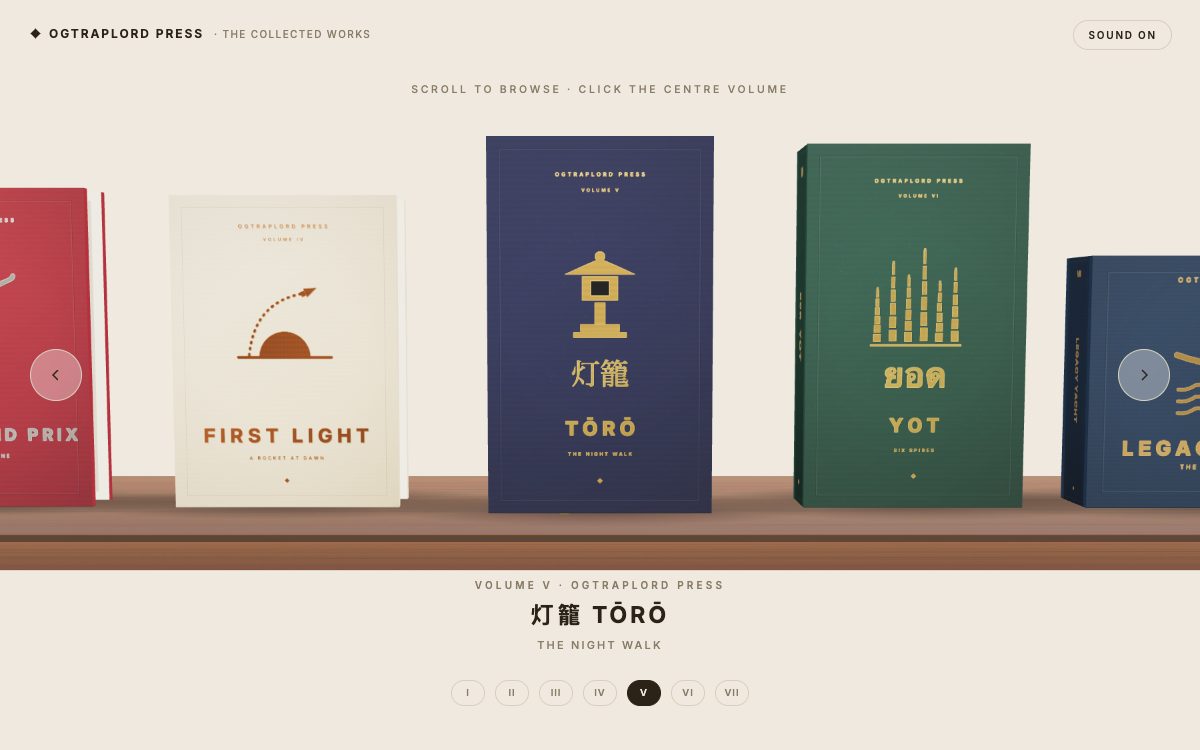
- A complete page-flip book: foil-stamped cover, ex libris, clickable contents, eight plate spreads, and a closing spread that points at the rest of the shelf
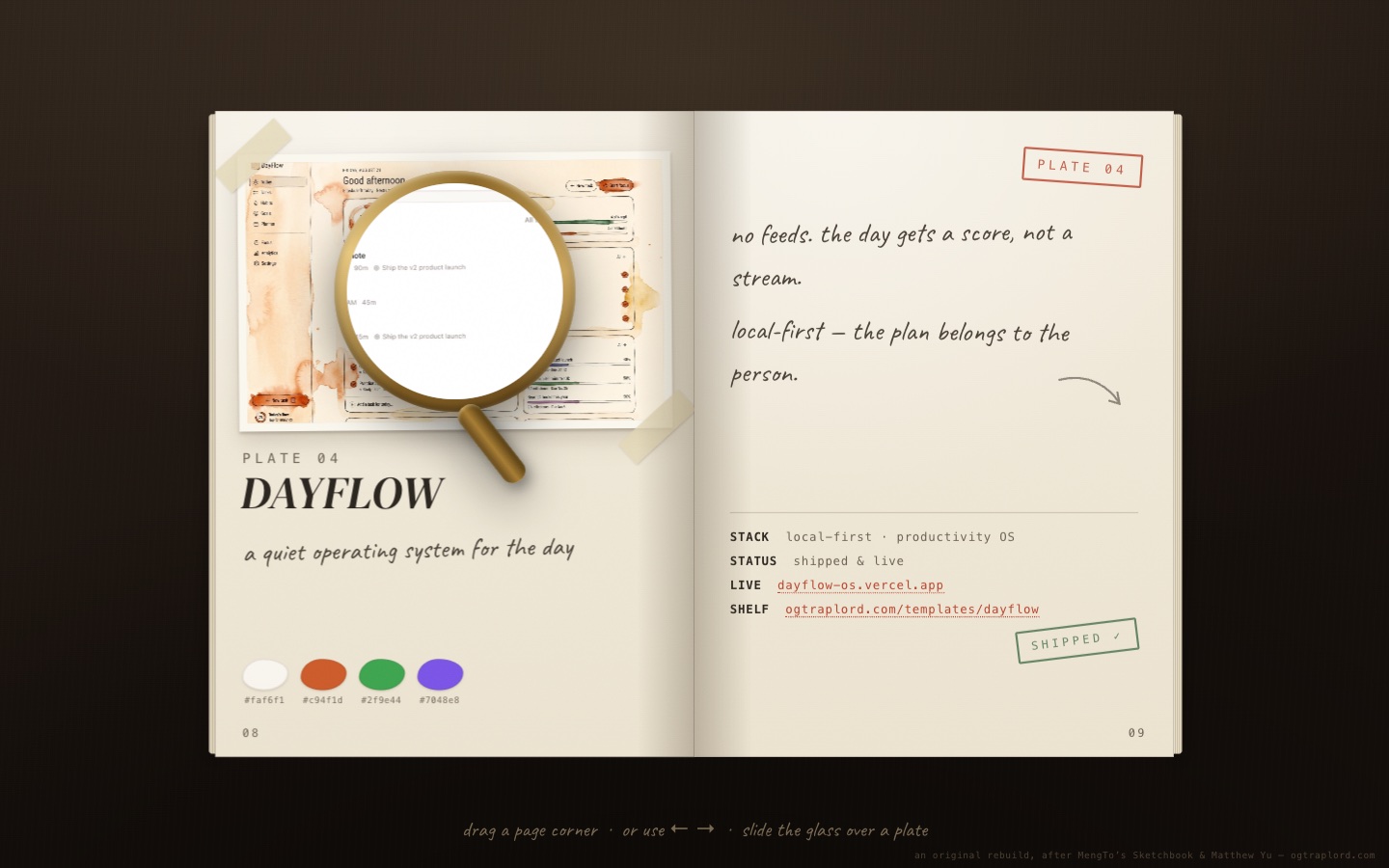
- The reality lens, a brass magnifier that re-renders whatever it crosses with the shipped site’s real screenshot, pixel-aligned to the sketch beneath it
- The full paper engine: drag with momentum, throw-to-turn, tap and arrow-key turns, an index riffle, and a mobile layout that trades the lens for tap-to-turn
Page sections overview
| Section | Purpose |
|---|---|
| The cover | A book you have to open, not a page you scroll. |
| The paper engine | Pages that bend the way paper does. |
| Eight plates | The template shelf as watercolor concept art. |
| The reality lens | The twist: the glass shows what shipped. |
| The contents riffle | An index that flips there for you. |
Design and branding system
The design brief was a working designer’s object: a sketchbook that has been used.
- Cream paper against a near-black desk, brass foil, and a single vermilion accent for stamps and links: a bookbinder’s palette
- DM Serif Display for the plate titles and Caveat for every handwritten note, both bundled locally so the page makes zero external requests
- Washi tape, page numbers, an ex libris, and inked stamps sell the object. Nothing on the paper reads as interface chrome
Mobile and speed optimization
The desk folds away. The book stays.
- Below the coarse-pointer line the lens retires and pages turn on a tap: right page forward, left page back
- The book rescales to the viewport from a zero-size center anchor, so no screen width strands it off-canvas
- Reduced-motion visitors get instant page changes: the same book with the physics stripped out
How this template helps you convert
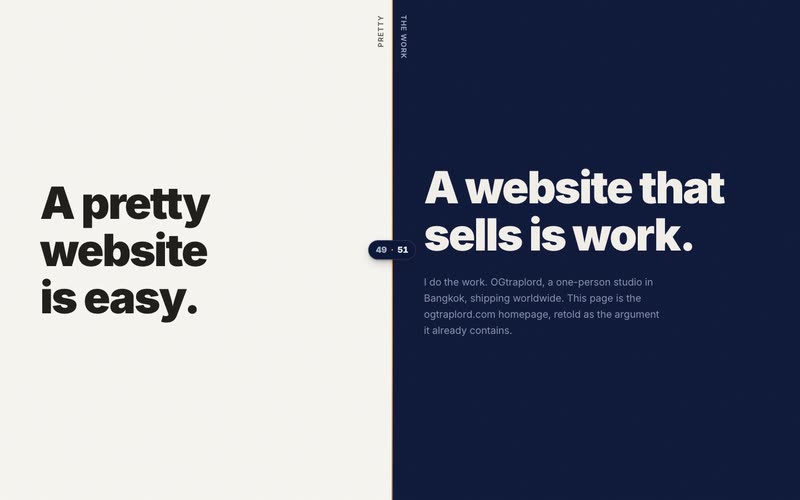
The page earns attention before it asks for anything. The OGtraplord homepage runs on the same logic.
- The strongest visual moment loads first, so visitors like what they see before they read a word
- Every section answers one question and hands off to the next, which keeps the scroll moving toward the call to action
- The ask arrives only after the proof: by the time visitors reach it, the work has already made the argument
Other information about this template
A few notes before you build on this one.
- One static HTML file with the engine inline, and no framework, build step, or WebGL. Any static host serves it
- The reality lens needs one screenshot per plate. Swap the eight images and the eight watercolors and the book is yours
- The page-flip idea is an homage. It’s an original, from-scratch rebuild after MengTo’s Sketchbook and Matthew Yu’s portfolio, both credited on the page, and no code or art was copied
- Turns are resolved mathematically from the pointer, with no DOM hit-testing, which is why dragging stays reliable even while the book animates in 3D
How it works
Studio Sketchbook is one static HTML file, with no framework and no WebGL. The turning leaf is eighteen nested CSS-3D segments whose rotations sum through an arc, with shading baked into gradients so only opacity animates per frame. Page drags are resolved mathematically from the pointer rather than by DOM hit-testing, which keeps them reliable while the book animates. Each watercolor plate was painted from the live site’s own screenshot, so the lens overlay lines up with the washes beneath it.
On its origins
The page-flip book idea is an homage to MengTo’s open Sketchbook experiment and the portfolio of Matthew Yu, credited on the page and in the book’s own colophon. That project grants no licence for reuse, so this build is an original, written from scratch. The paper engine, the reality-lens concept, the art, and the copy are all its own.
Screenshots
Captured from the live build, section by section, exactly as the template renders.