Quick summary
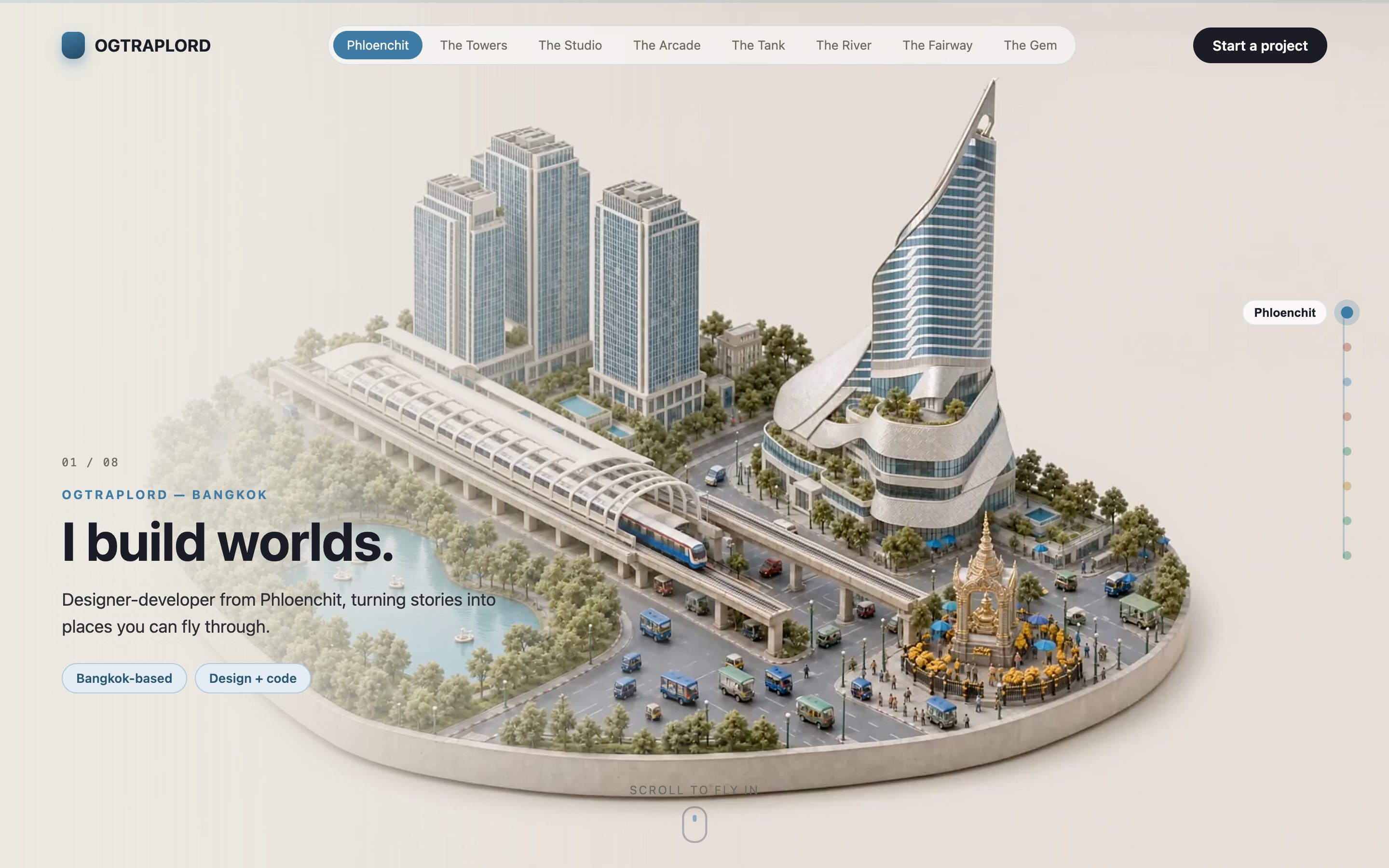
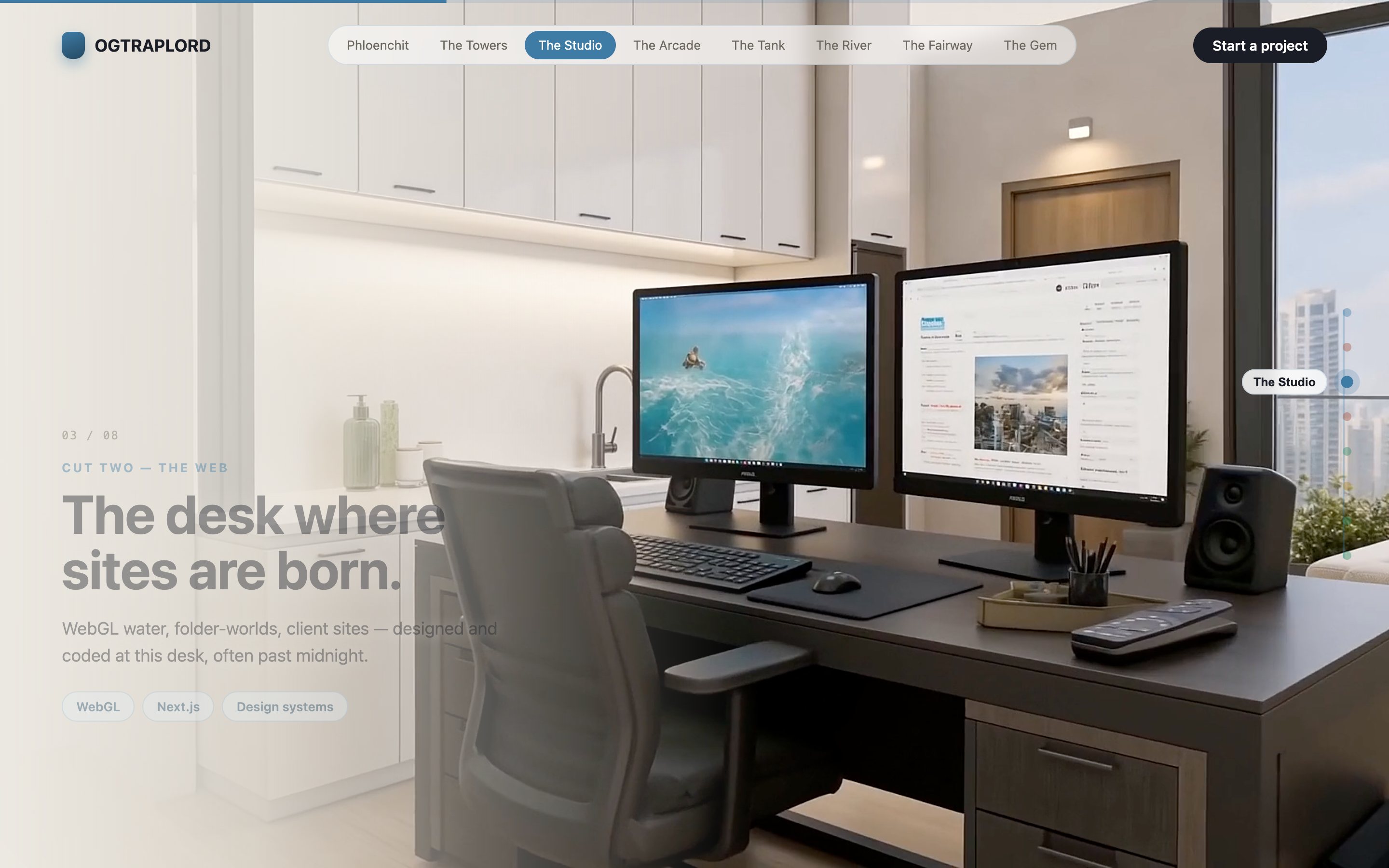
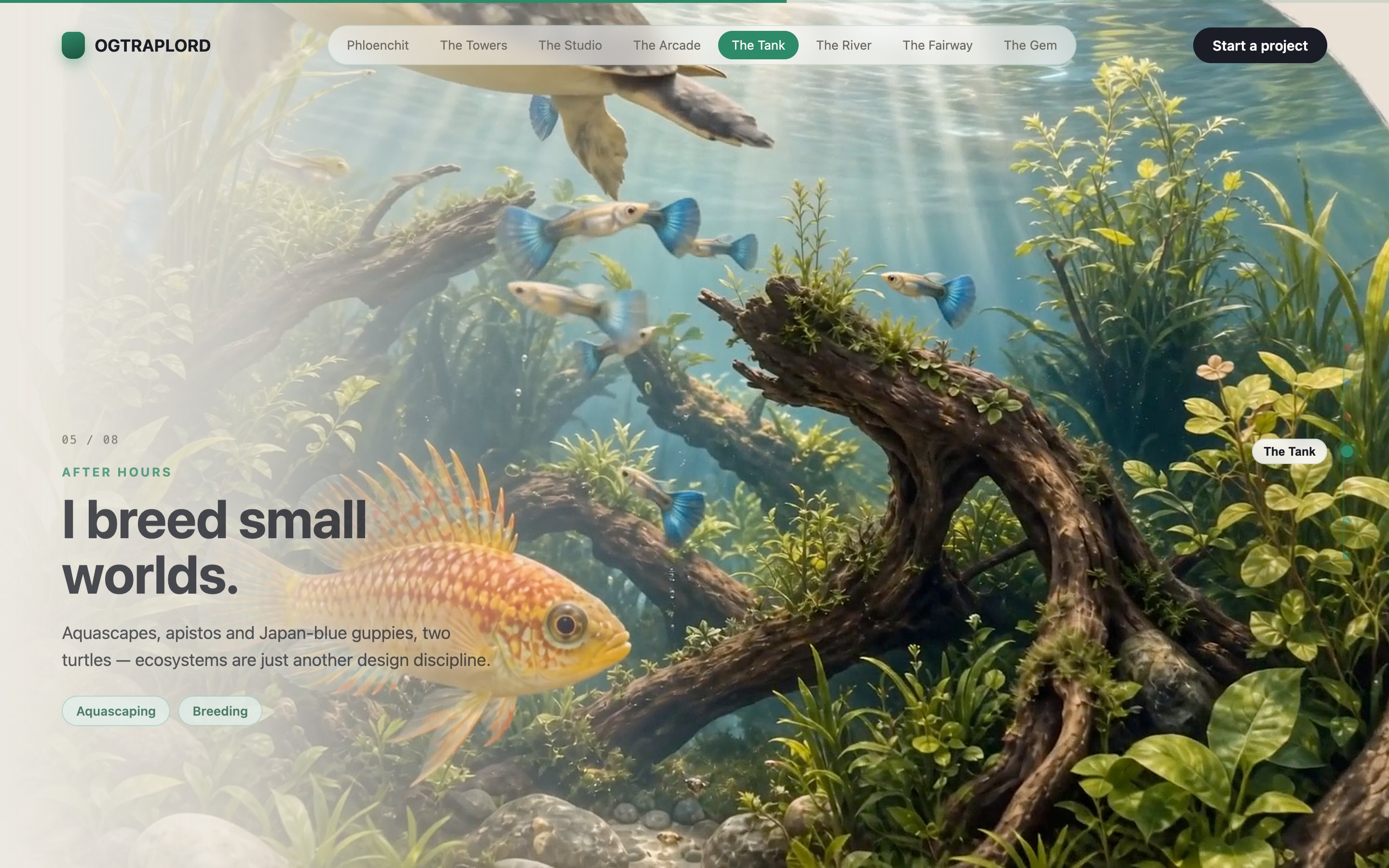
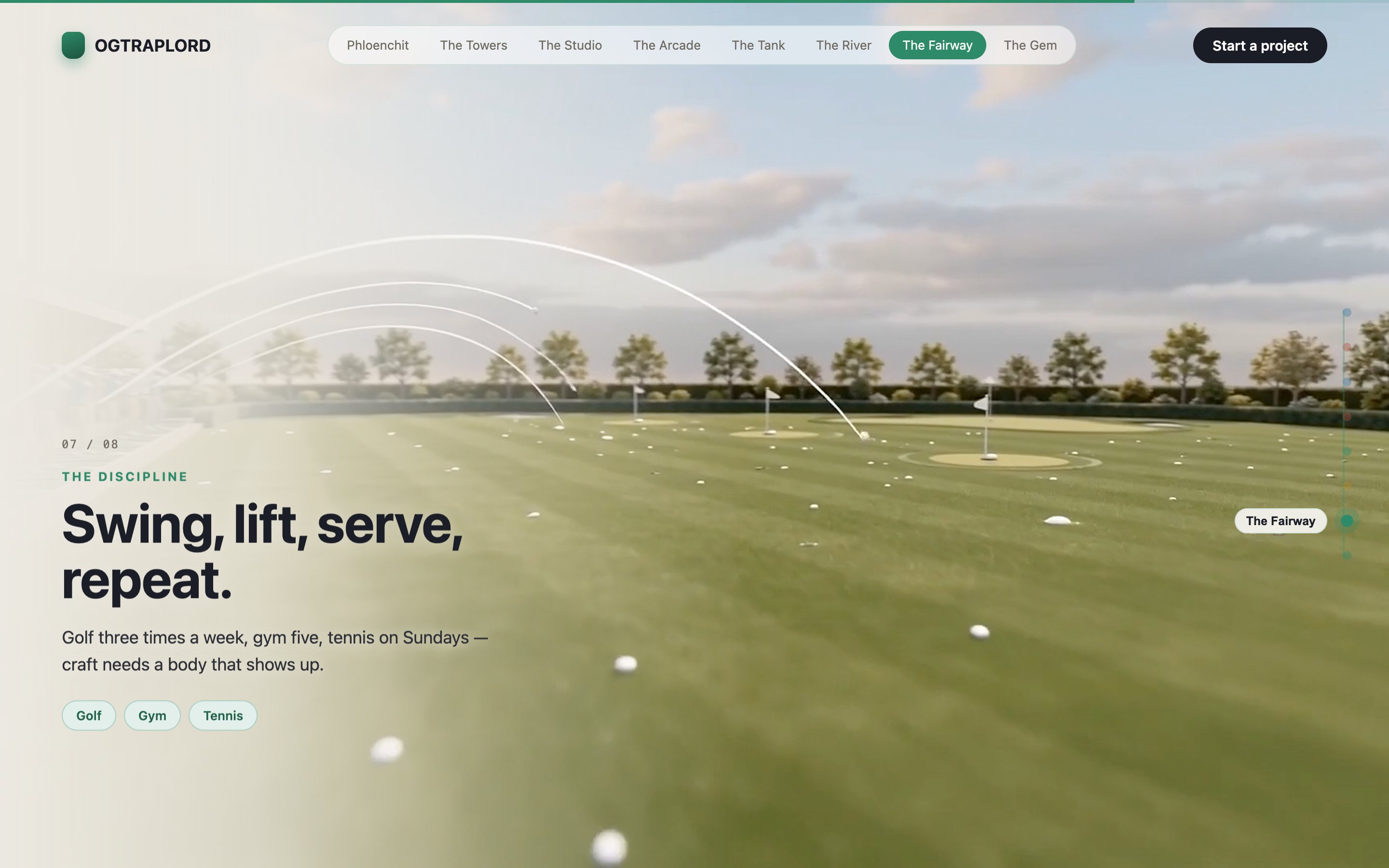
Daylight Museum is a cinematic scroll-world portfolio in a calm, sunlit museum style. Eight real-life scenes are chained into one continuous camera flight. Scroll and the space unfolds around you, gallery to gallery, with no cuts.
Who this template is for
A calm sunlit space you walk through by scrolling. It’s for work that benefits from being hung rather than listed.
- Studios and artists who want their work presented as an exhibition rather than a grid of thumbnails
- Property, architecture, and interiors brands where space itself is the product being sold
- Anyone needing a bright, calm cinematic site as a counterweight to the darker scroll worlds
What problem this template solves
Scroll-driven cinematic sites usually take a 3D artist, a motion designer, and weeks of iteration. This build gets the same effect from generated film and hand-written code.
- True 3D fly-throughs price out most projects before the first storyboard is drawn
- Video-scroll sites tend to stutter, because the scrub, the seams, and the loading are all hard to get right
- Studios who want this look have few reference builds showing how the legs are generated and joined
What you get with this template
You get eight real-life scenes chained into one continuous camera flight through a calm, sunlit museum, unfolding gallery to gallery with no cuts.
- Eight distinct scenes joined into a single flight with no visible transitions
- A daylight art direction that stays bright and calm
- A scroll-bound scrub so visitors move through the space at their own pace
Page sections overview
| Section | Purpose |
|---|---|
| Eight-scene gallery chain | Join eight scenes into one continuous walk through the space |
| Daylight art direction | Hold consistent natural lighting across every generated scene |
| Gallery-to-gallery motion | Move the camera through doorways so the space reads as connected |
| Scroll-driven walk | Bind the walk to scroll so visitors control their own pace |
| Room-anchored content | Hang each piece of work in the room where it belongs |
Design and branding system
The identity is a daylight museum: warm neutral walls, soft natural light, and typography quiet enough to read as gallery signage.
- A warm neutral palette of plaster, oak, and daylight, chosen so hung work reads correctly against it
- Soft directional daylight held consistent across every room, so the eight scenes read as one building
- Small quiet caption type set like gallery labels, deferring to the work on the walls
Mobile and speed optimization
The film is pre-rendered video, so the cinematic look costs almost nothing on mobile hardware. The phone only ever scrubs a video.
- Pre-rendered legs mean there’s no WebGL budget on mobile: scroll position simply drives video time
- Posters and compressed masters keep the first frame fast even on cellular connections
- Caption and interface layers reflow independently of the film, so small screens lose no content
How this template helps you convert
A scroll film turns a pitch into an experience. The structure keeps the visitor moving toward the ask without ever feeling sold to.
- The opening frame is the hook: motion begins with the first scroll tick, so engagement pays off right away
- Each beat lands one message before the camera moves on, so the story accumulates instead of blurring
- By the final beat, the visitor has flown the whole world, so the closing call to action feels earned
Other information about this template
A few notes on this build.
- The world is pre-rendered video, so it stays smooth on mobile with no WebGL cost
- Scene count, architecture, and hung content are all rebuilt around your work; the chaining pipeline carries over
- It’s the brightest scroll world in the library and the best fit for a calm, premium register
- Caption layers reflow independently of the film, so nothing is lost on small screens
How it works
Eight scenes are generated and stitched into a single flight with no visible seams, then scrubbed on scroll. You walk through the museum by scrolling instead of clicking.
Screenshots
Captured from the live build, section by section, exactly as the template renders.